StageZap › Virtual staging
AI virtual staging built for real estate agents
Physical staging costs thousands and takes a week to schedule. Virtual staging used to mean emailing photos to a studio and waiting two days. With StageZap you stage the vacant listing yourself, between showings, and publish the same afternoon. The output keeps the room honest — no moved windows, no fake square footage — so the photos survive a buyer’s walkthrough.
Try it free in the studio See pricing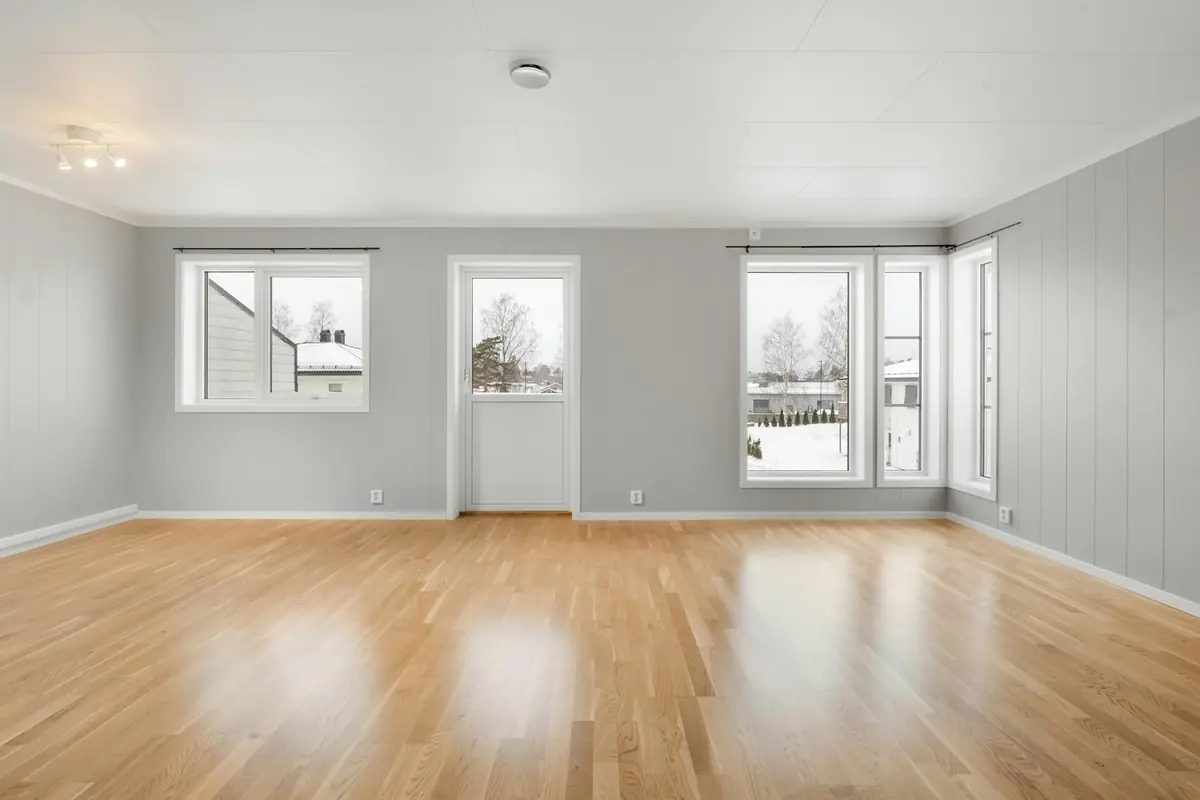
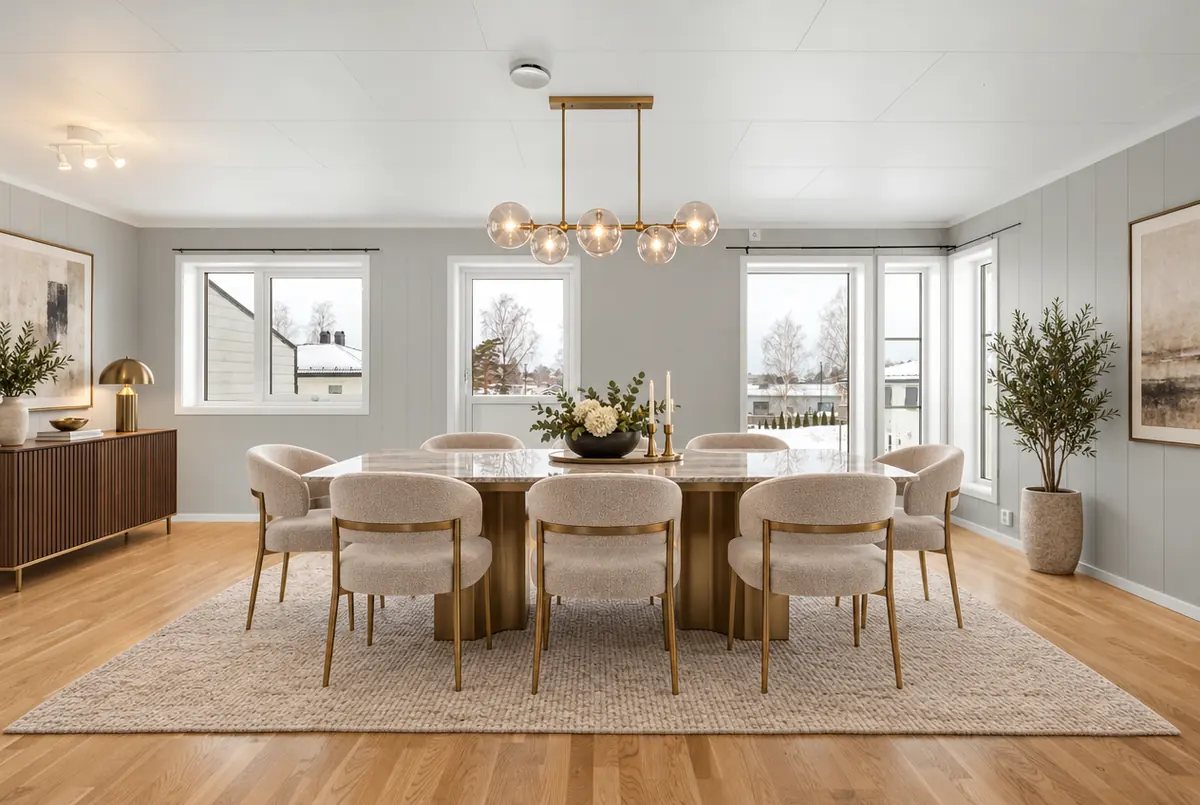
Real StageZap output. Walls, windows, floor and light are unchanged — only furniture and decor were added.
Why it works
Listing‑day turnaround
About a minute per photo, so a full listing is staged before the photographer’s invoice arrives.
Honest to the property
Structure lock keeps every wall, opening and fixture where it is — no misleading edits.
Cost per room, not per house
Pro covers 600 images a month for $19, less than one physical staging consultation.
How it works
Upload
Snap the empty room straight on, at chest height, with the lights on. JPG, PNG or WEBP up to 10 MB.Pick room & style
Choose the room type and one of 8 designer styles. Add a wish like “a reading chair by the window”.Download
In about a minute you get a full‑resolution image in the same aspect ratio, ready for your listing.
Frequently asked questions
Which rooms should I stage first?
Living room, primary bedroom and kitchen/dining drive the most clicks. Stage those, and leave bathrooms and hallways as they are.
Can I use the images on the MLS?
Yes, with disclosure. Most MLSs require virtually staged photos to be labeled and many ask you to include the unstaged original.
Will the AI change my walls, windows or floor?
No. Every staging request carries a strict structure lock: walls, windows, doors, flooring, ceiling, perspective and lighting stay as they are, and the output keeps your photo’s aspect ratio. Always compare before publishing, as with any edit.
Do I need to disclose virtual staging?
In most markets, yes. Label staged photos as “virtually staged” and keep the empty original in the gallery. Check your MLS or portal rules — our guide on disclosure covers the common requirements.
Related
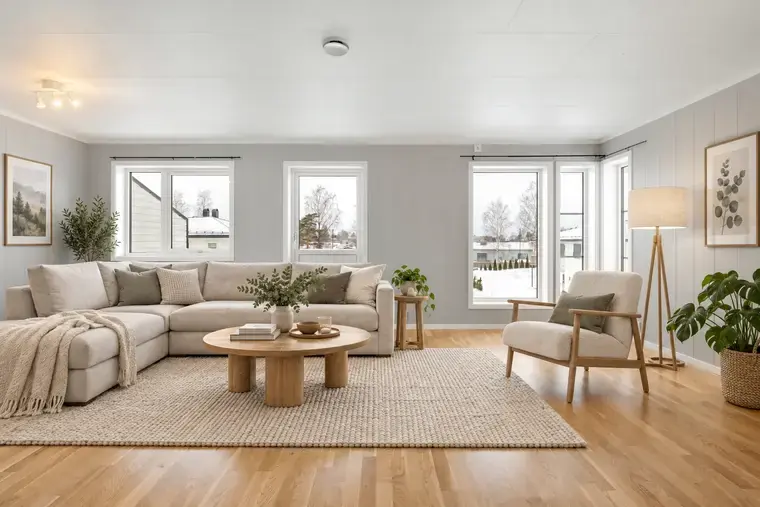 Free virtual staging that keeps the room real
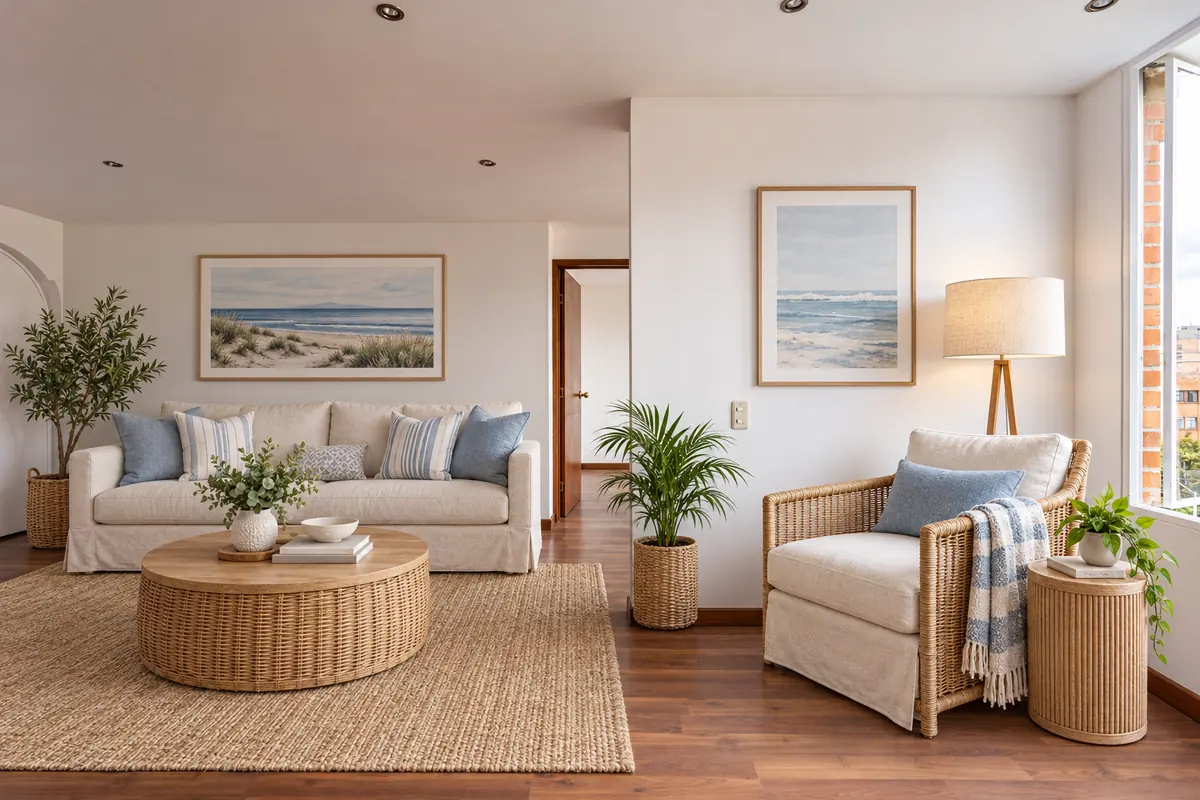 Airbnb listing photos that sell the stay
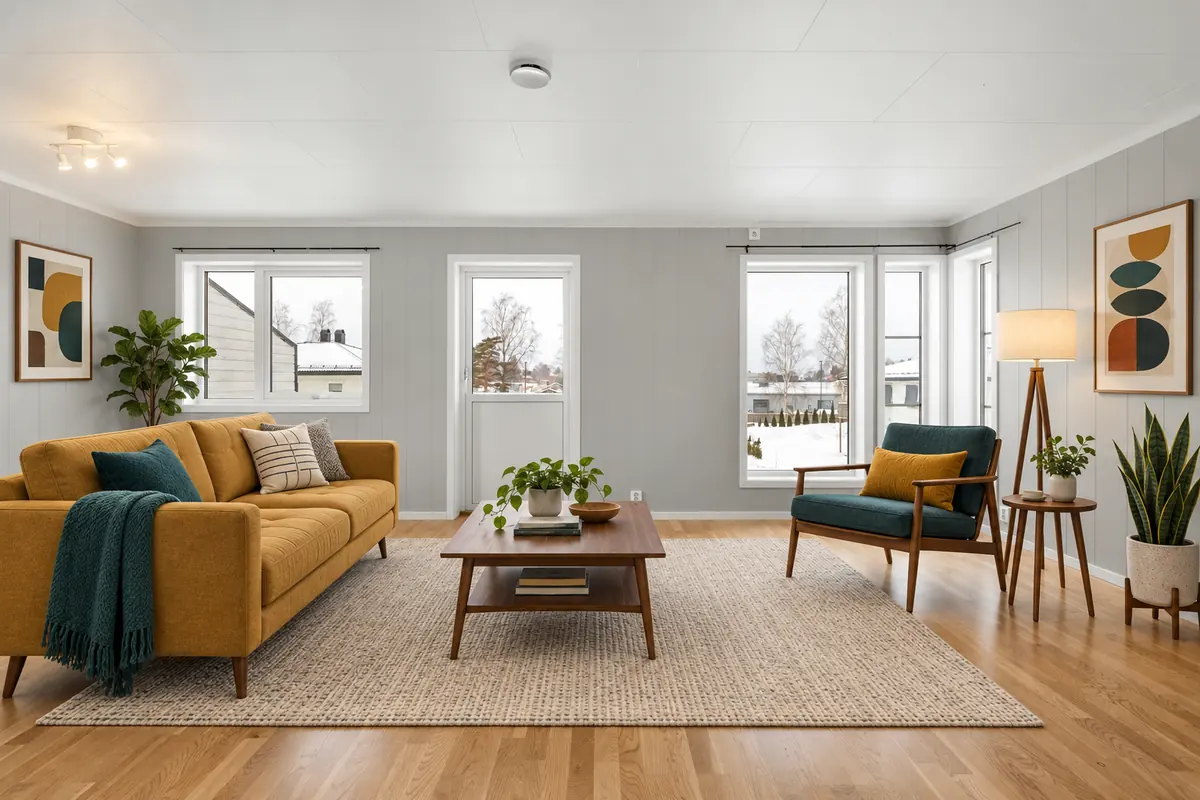 Put furniture into an empty room photo with AI
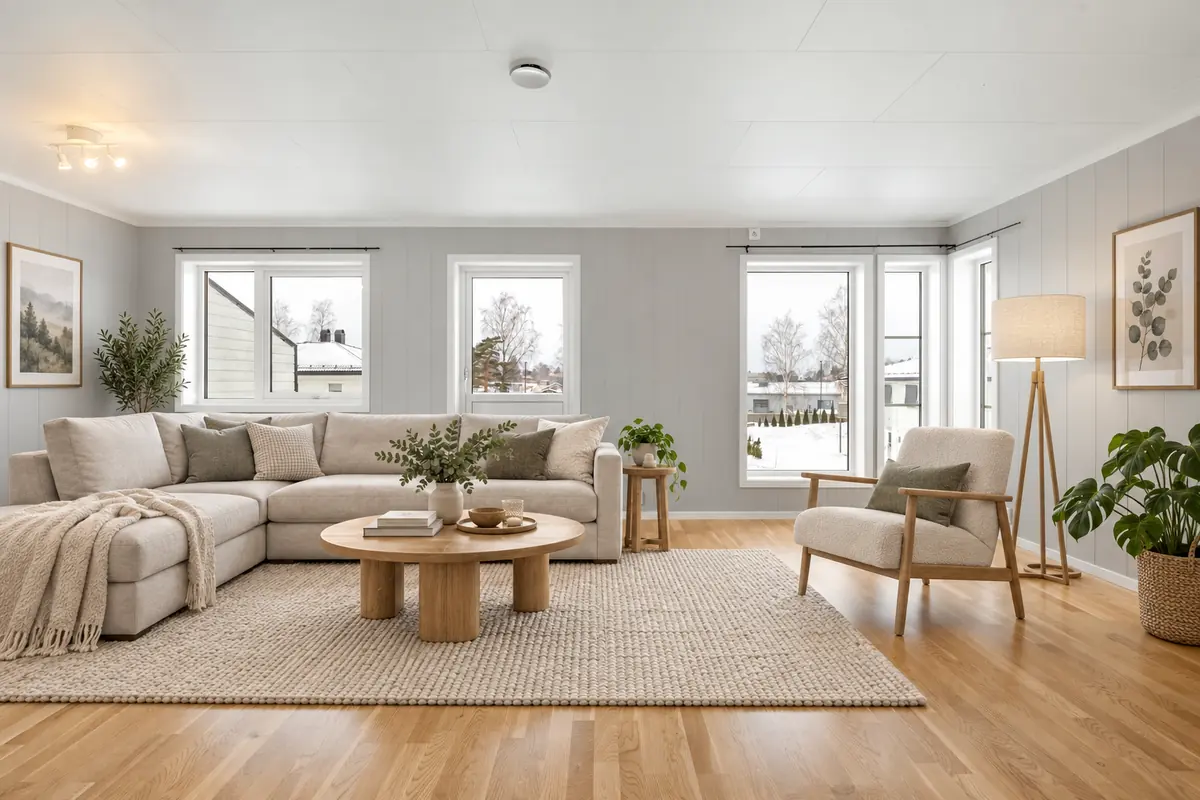 Living room virtual staging
Further reading
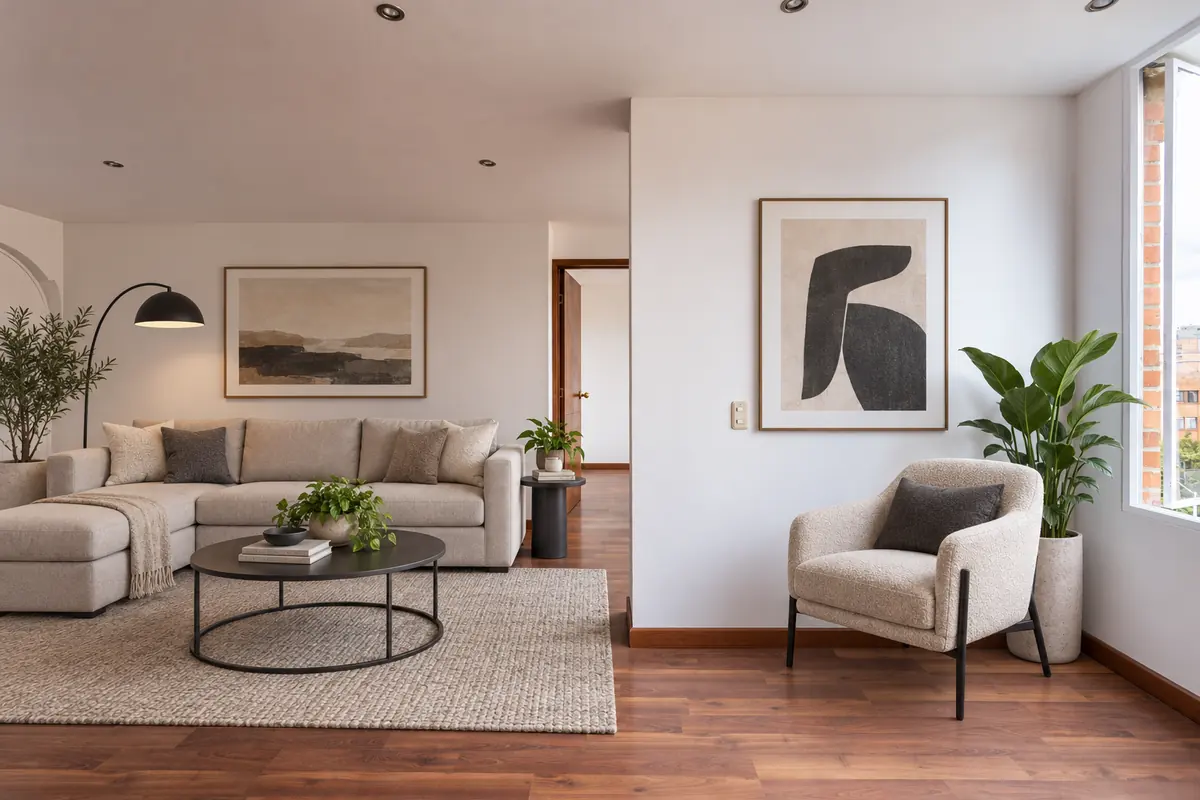 How to virtually stage a listing, step by stepVirtual staging disclosure: how to stay honest and compliant
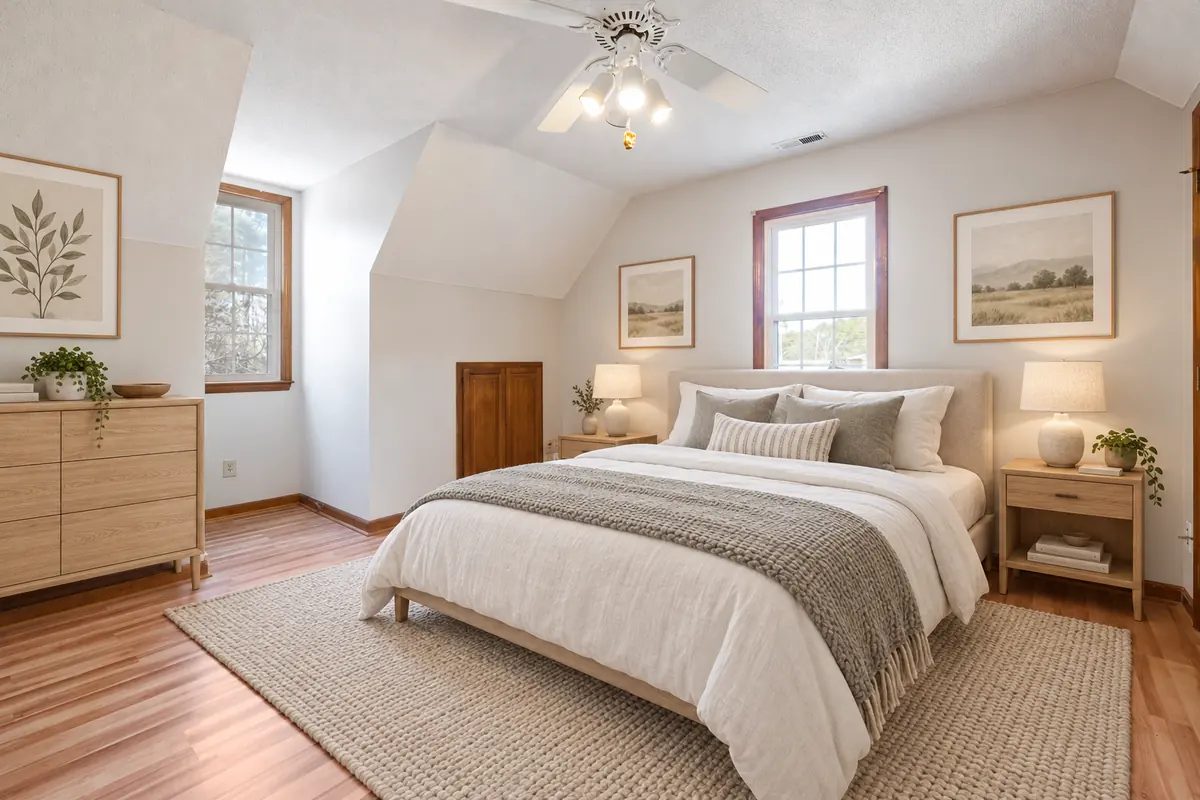 Choosing a virtual staging style that matches the buyer
Ready to see your own photo transformed?
Upload one photo. No sign‑up needed for the free demo.
Try it free in the studio