StageZap › Virtual staging
Airbnb listing photos that sell the stay
Guests book with their eyes. If your rental is still empty or half‑furnished, StageZap shows what it will look like in a coastal, Scandinavian or Japandi style — so you can choose a look, plan your furniture shopping, and pre‑launch with mock‑ups. Once the real furniture arrives, photograph it for the live listing.
Try it free in the studio See pricing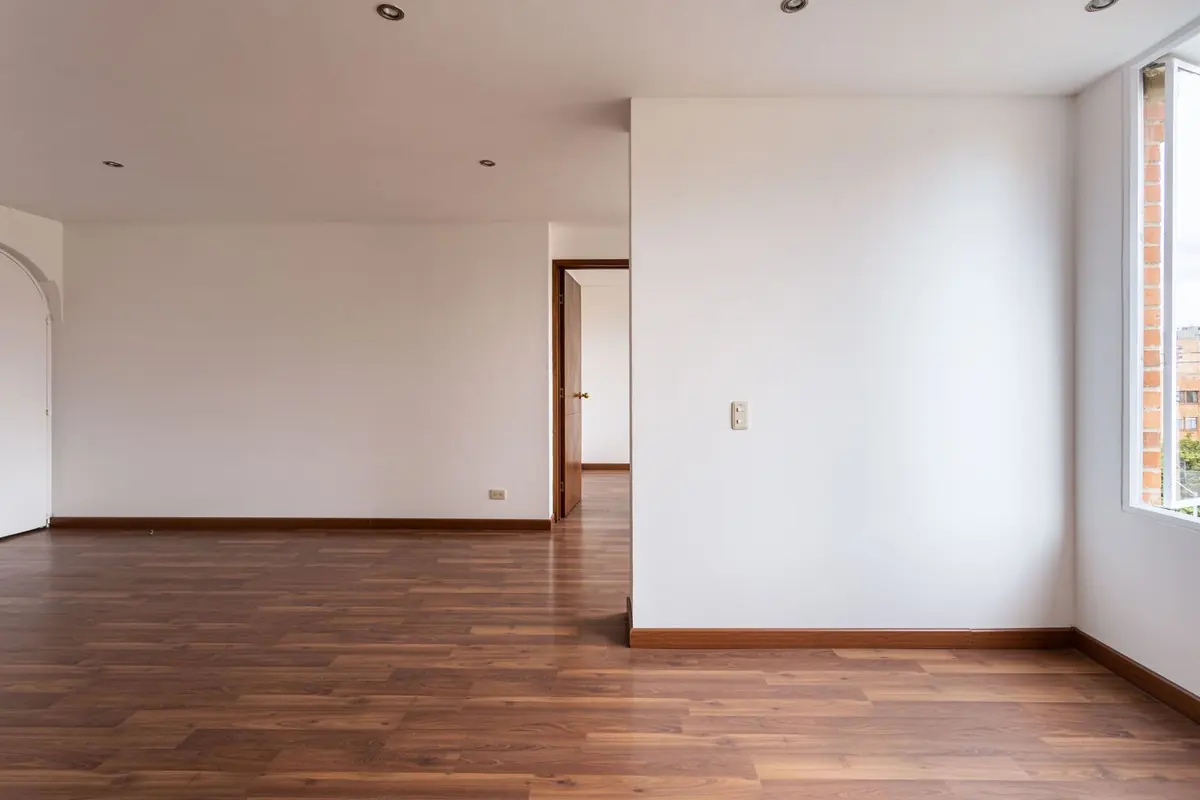
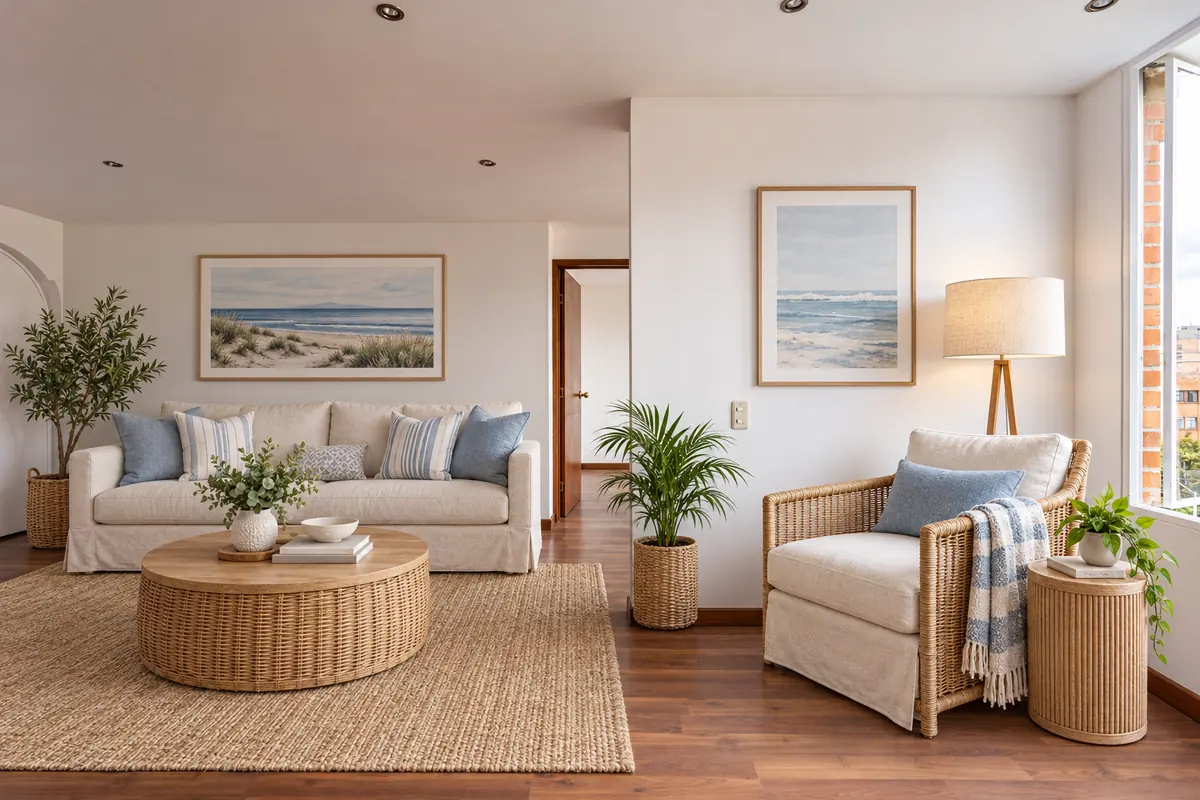
Real StageZap output. Walls, windows, floor and light are unchanged — only furniture and decor were added.
Why it works
Choose a style before you buy
Compare 8 interior styles on your actual room before spending on furniture.
Pre‑launch faster
Use staged previews for pre‑booking pages, investor decks or social teasers while you fit out.
Consistent look across rooms
Apply one style to living room, bedroom and dining for a cohesive brand.
How it works
Upload
Snap the empty room straight on, at chest height, with the lights on. JPG, PNG or WEBP up to 10 MB.Pick room & style
Choose the room type and one of 8 designer styles. Add a wish like “a reading chair by the window”.Download
In about a minute you get a full‑resolution image in the same aspect ratio, ready for your listing.
Frequently asked questions
Can I use staged images on my live Airbnb listing?
Airbnb expects listing photos to accurately show the space guests will get. Use AI staging for planning and pre‑launch previews, then switch to real photos once furnished.
Which style works best for short‑lets?
Coastal and Scandinavian read bright and clean in thumbnails; Japandi suits calm city studios. See our style guide on the blog.
Will the AI change my walls, windows or floor?
No. Every staging request carries a strict structure lock: walls, windows, doors, flooring, ceiling, perspective and lighting stay as they are, and the output keeps your photo’s aspect ratio. Always compare before publishing, as with any edit.
Do I need to disclose virtual staging?
In most markets, yes. Label staged photos as “virtually staged” and keep the empty original in the gallery. Check your MLS or portal rules — our guide on disclosure covers the common requirements.
Related
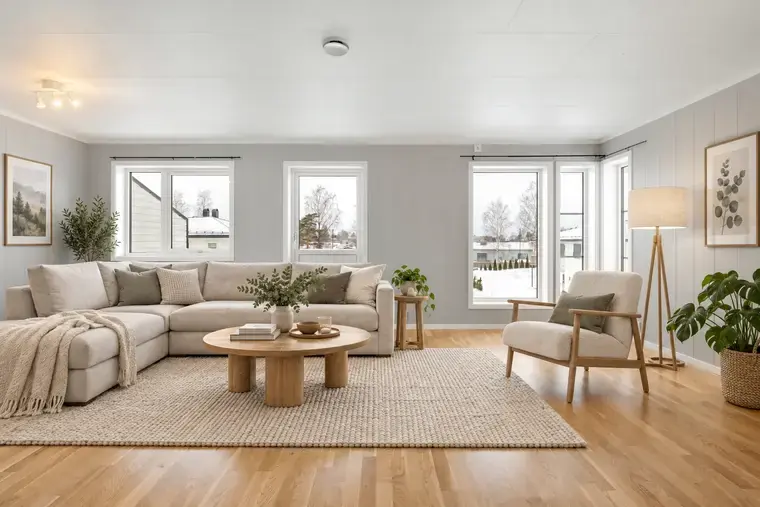 Free virtual staging that keeps the room real
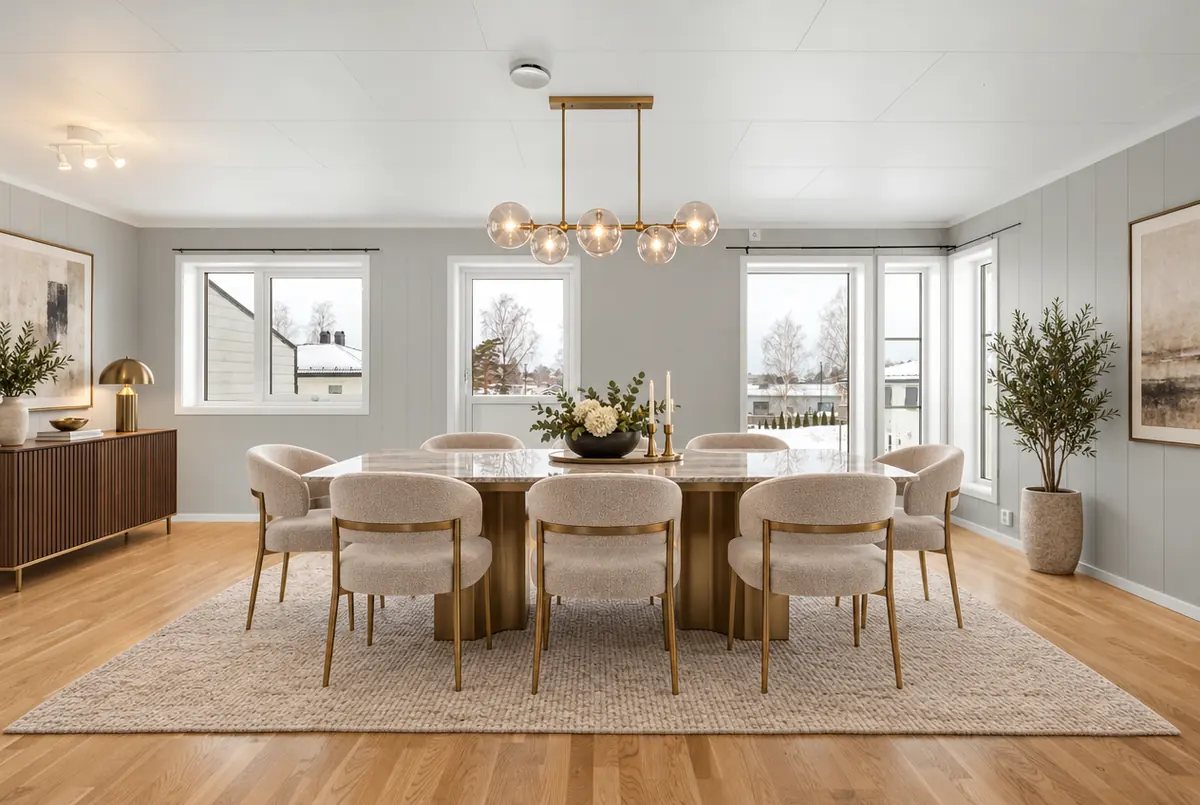 AI virtual staging built for real estate agents
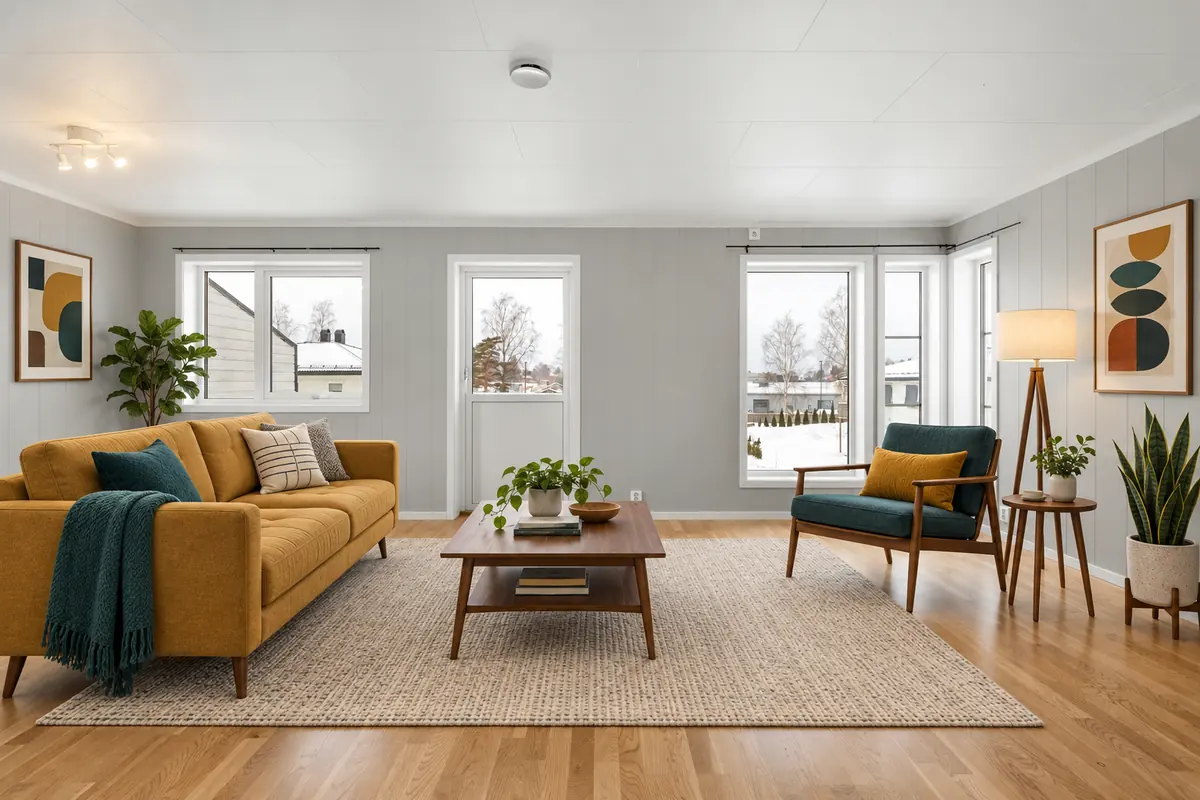 Put furniture into an empty room photo with AI
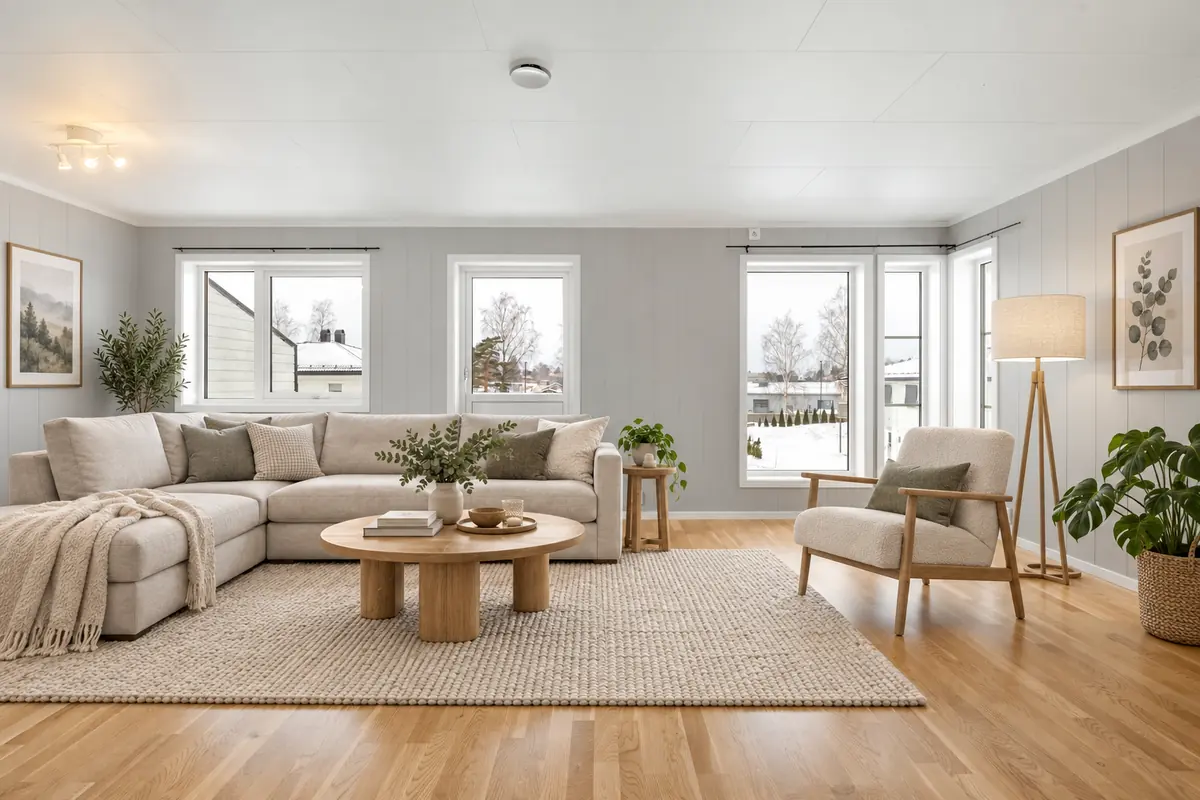 Living room virtual staging
Further reading
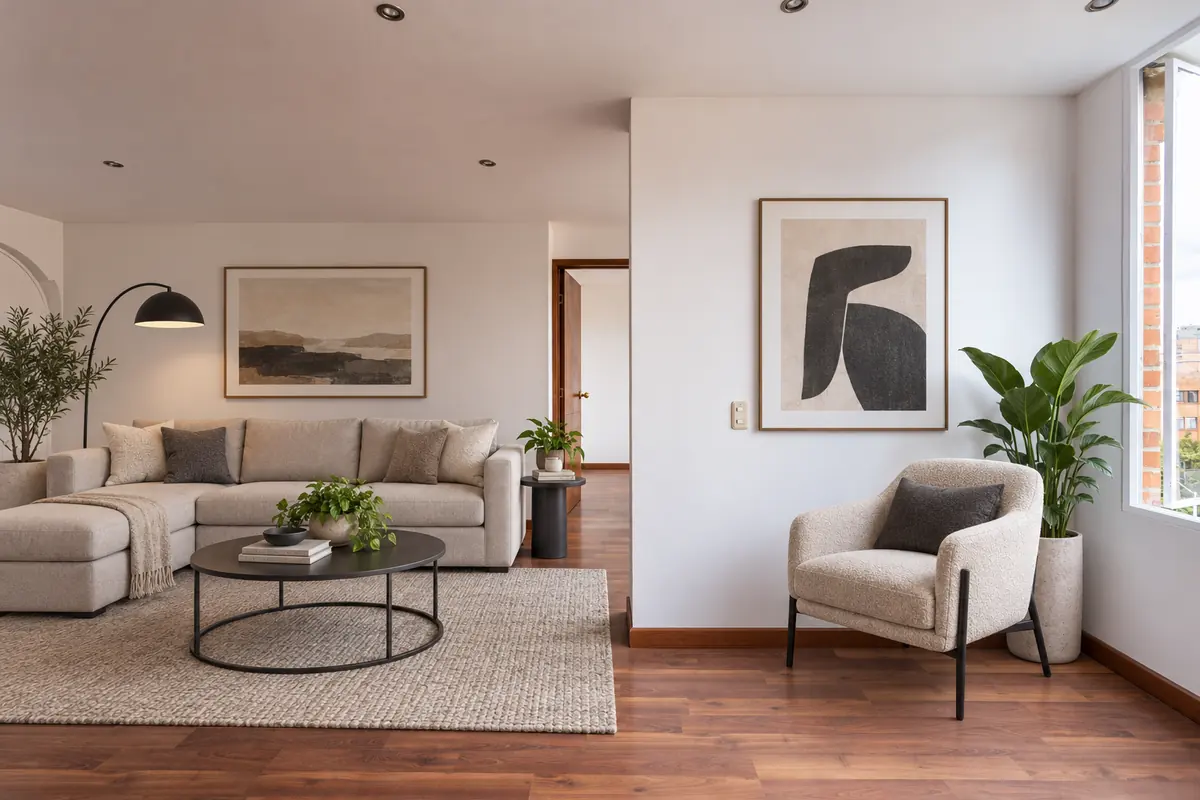 How to virtually stage a listing, step by stepVirtual staging disclosure: how to stay honest and compliant
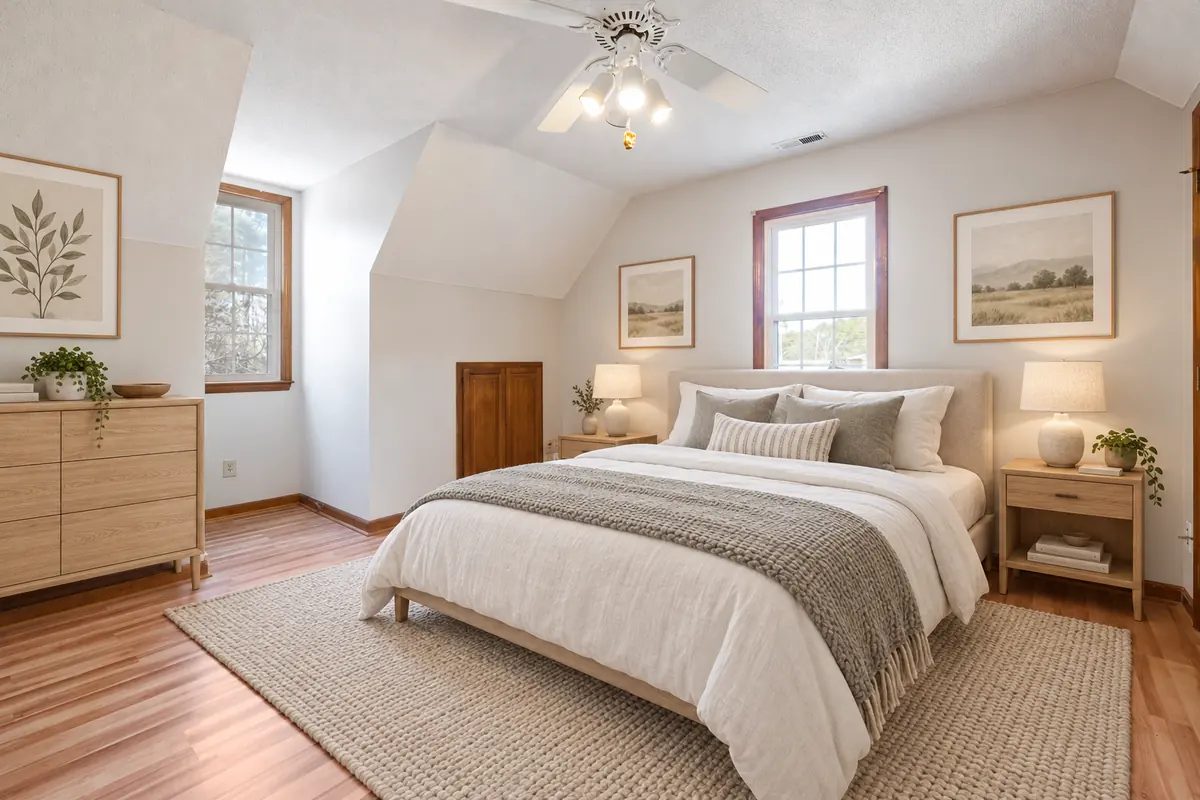 Choosing a virtual staging style that matches the buyer
Ready to see your own photo transformed?
Upload one photo. No sign‑up needed for the free demo.
Try it free in the studio