StageZap › E‑commerce photos
White background product photos, done right
Marketplaces want a pure white background, a centered product filling most of the frame, and nothing else. Background removal tools leave halos and flat, shadowless cut‑outs. StageZap re‑photographs the product on seamless #FFFFFF with soft studio light and a subtle contact shadow, so it looks shot in a studio rather than cut out.
Try it free in the studio See pricing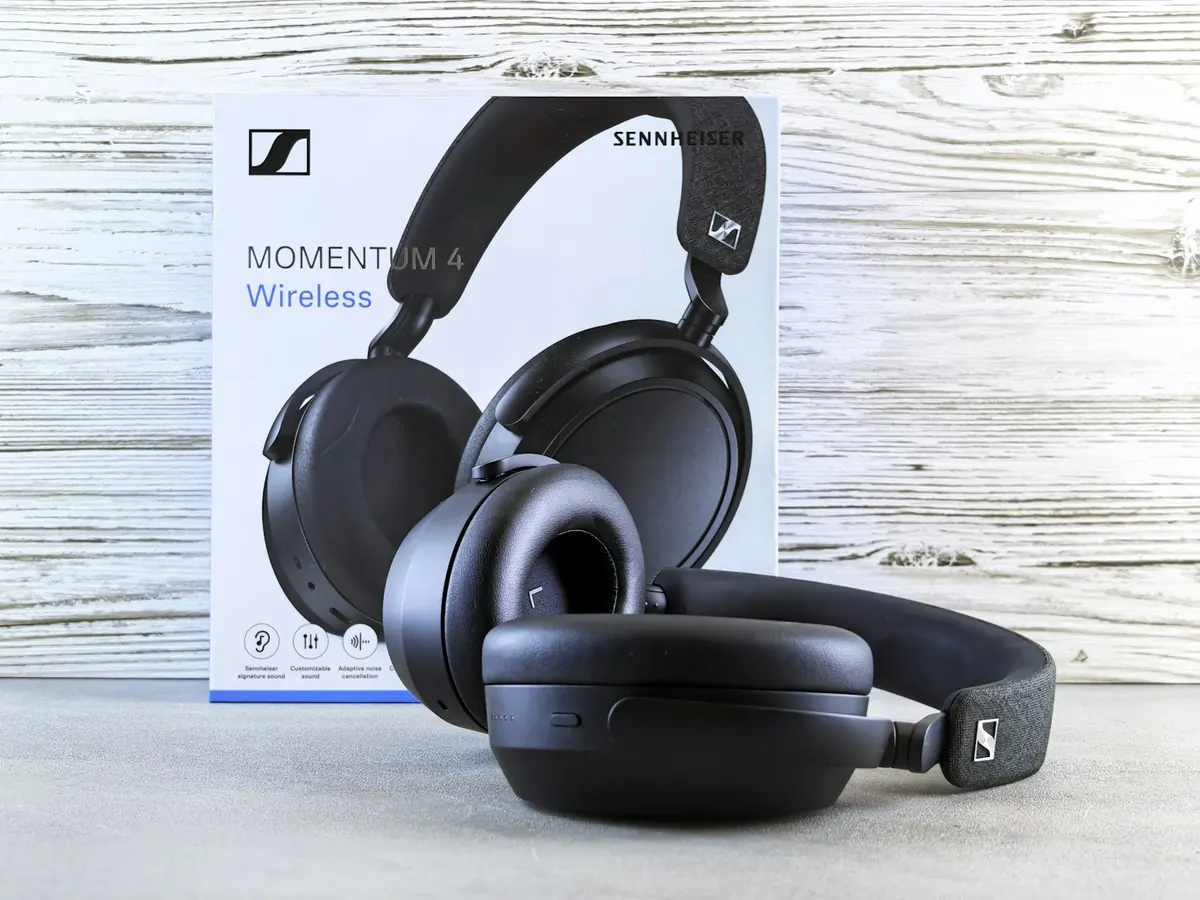

Real StageZap output from a single phone photo. Shape, colors and label stay identical.
Why it works
True #FFFFFF
Seamless pure white, compliant with major marketplaces.
Natural contact shadow
Grounds the product without breaking the white background.
Centered at ~85% fill
Framed the way marketplaces recommend for main images.
How it works
Upload
Shoot the product on any surface with soft daylight. Keep the label sharp and in frame.Choose the output
White background main image, lifestyle scene or ad poster with your own headline.Download
Get a high‑resolution image you can upload to your store or ads straight away.
Frequently asked questions
How is this different from a background remover?
Removers cut out your original lighting. StageZap re‑renders the product with even studio light and a soft shadow, while the product itself stays identical.
Can I batch process a catalog?
Batch processing is part of the Business plan; the demo handles one image at a time.
Will my product or logo be changed?
The product lock keeps shape, proportions, colors, logos and every letter of the label. For the best fidelity start from a sharp, evenly lit photo, and zoom in on small print before publishing.
What resolution do I get?
Outputs are up to 1536 px on the long side, and the AI 2K upscale re‑renders to 2048 px — enough for marketplace zoom.
Related
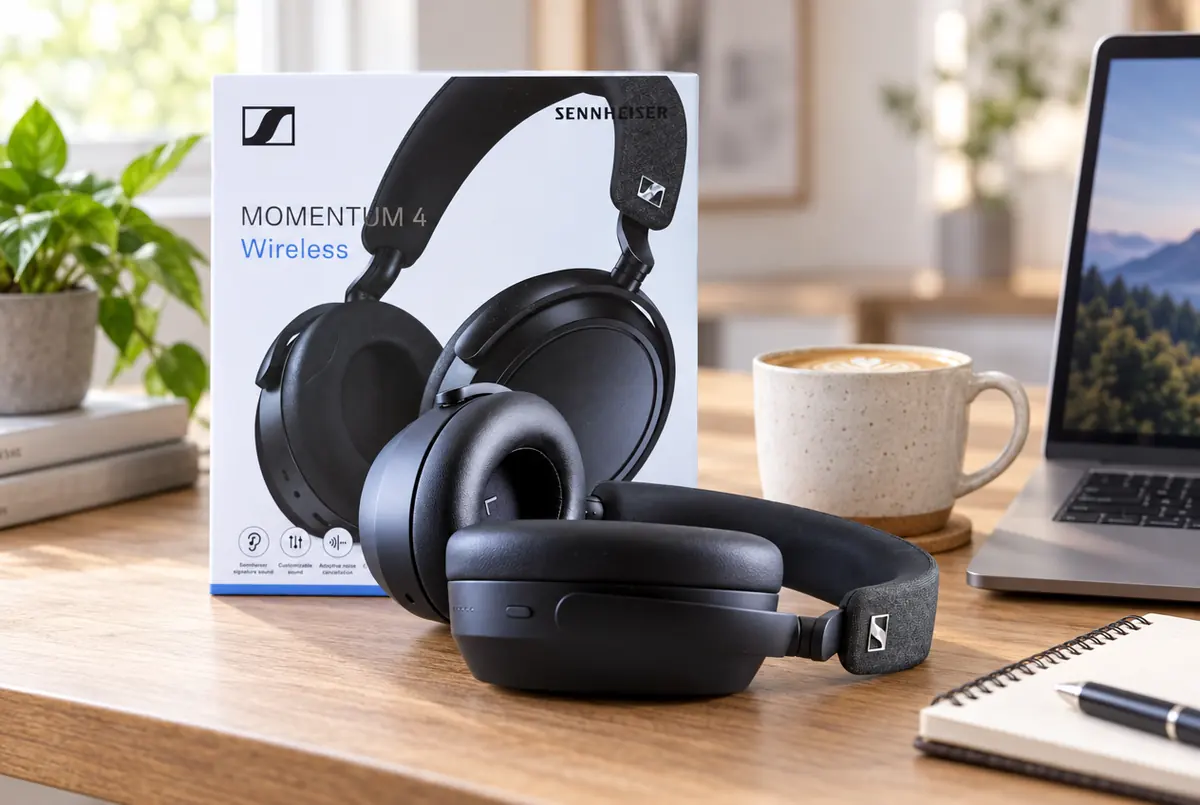 AI product photography from a single phone photo
 Amazon product photos from your phone
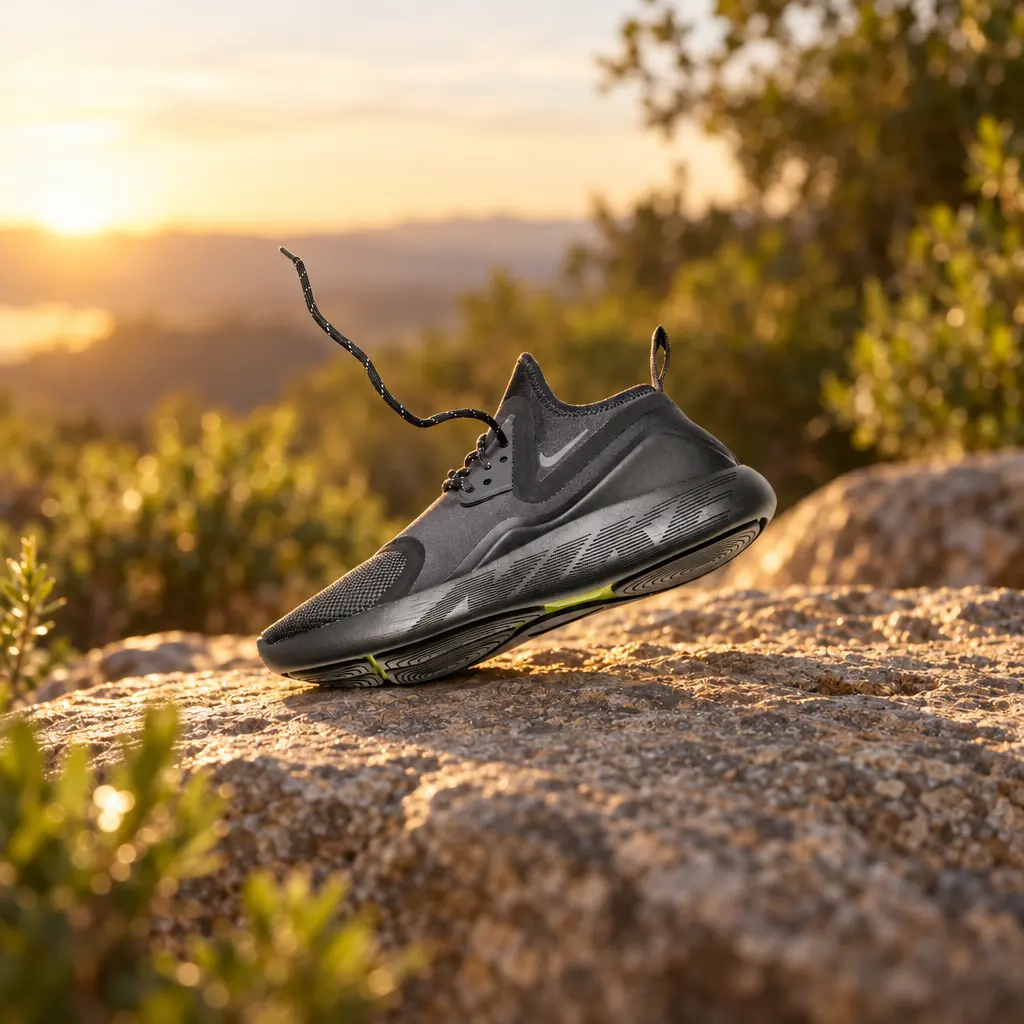 Shopify product photos that look like one brand
Further reading
Amazon main image requirements, explained for sellersShooting Shopify product photos with your phoneReady to see your own photo transformed?
Upload one photo. No sign‑up needed for the free demo.
Try it free in the studio