StageZap › Virtual staging
Scandinavian virtual staging
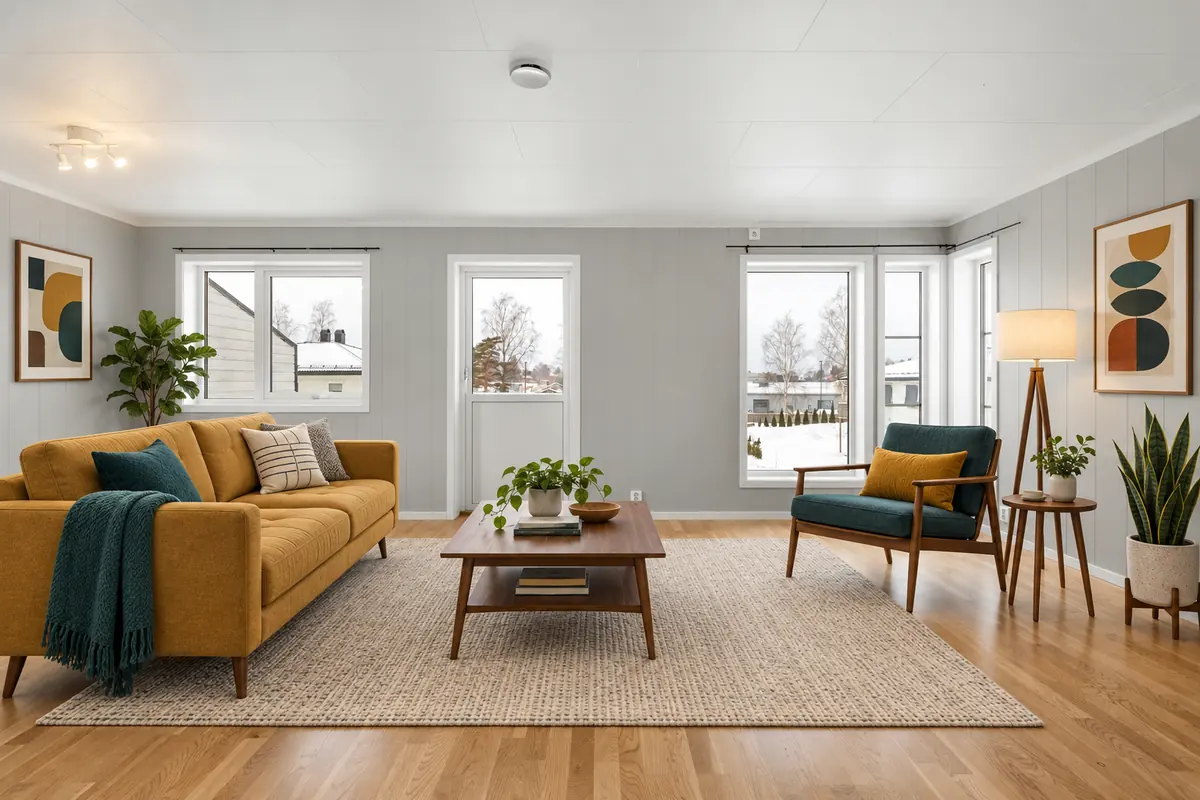
Scandinavian design photographs beautifully: light woods, soft whites and natural textiles bounce light around the room and make small spaces feel bigger. StageZap’s Scandinavian style adds oak furniture, wool and linen textiles and a few cozy hygge accents — a look that appeals to first‑time buyers and young families.
Try it free in the studio See pricing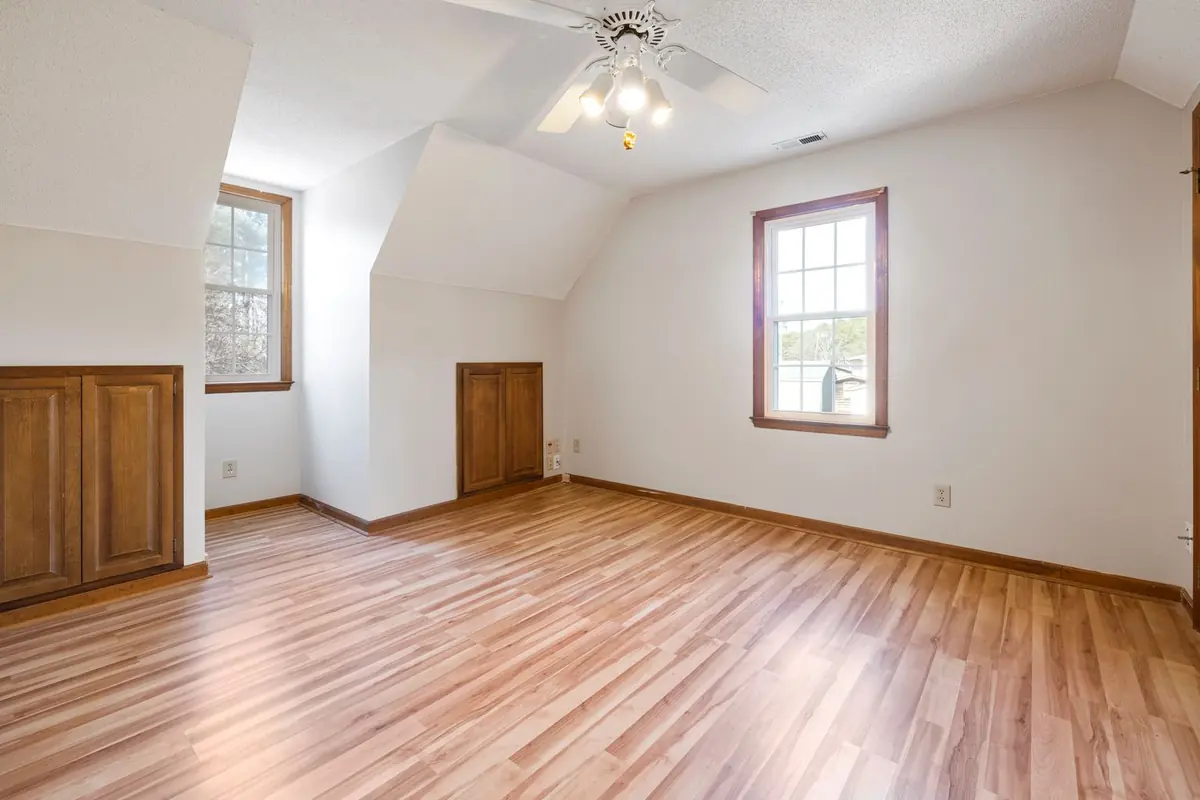
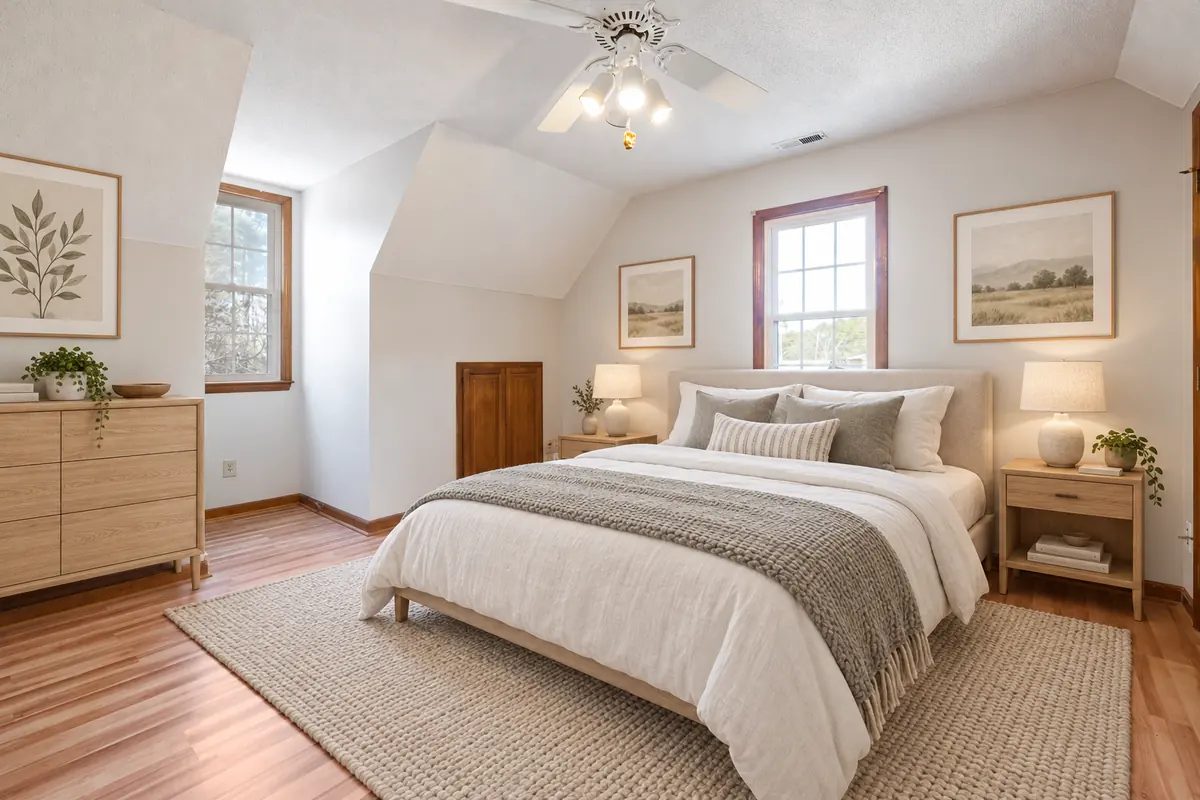
Real StageZap output. Walls, windows, floor and light are unchanged — only furniture and decor were added.
Why it works
Makes rooms feel larger
Light palettes and slim furniture keep the floor visible.
Broad buyer appeal
Neutral, warm and uncluttered — rarely off‑putting to anyone.
Great in thumbnails
Bright images stand out in portal search results.
How it works
Upload
Snap the empty room straight on, at chest height, with the lights on. JPG, PNG or WEBP up to 10 MB.Pick room & style
Choose the room type and one of 8 designer styles. Add a wish like “a reading chair by the window”.Download
In about a minute you get a full‑resolution image in the same aspect ratio, ready for your listing.
Frequently asked questions
What’s the difference between Scandinavian and Japandi?
Scandinavian is brighter and cozier with light oak and wool; Japandi is lower, more earthy and minimal, mixing Japanese calm with Nordic function.
Does Scandinavian suit dark rooms?
Yes — it is one of the best choices for rooms with limited daylight.
Will the AI change my walls, windows or floor?
No. Every staging request carries a strict structure lock: walls, windows, doors, flooring, ceiling, perspective and lighting stay as they are, and the output keeps your photo’s aspect ratio. Always compare before publishing, as with any edit.
Do I need to disclose virtual staging?
In most markets, yes. Label staged photos as “virtually staged” and keep the empty original in the gallery. Check your MLS or portal rules — our guide on disclosure covers the common requirements.
Related
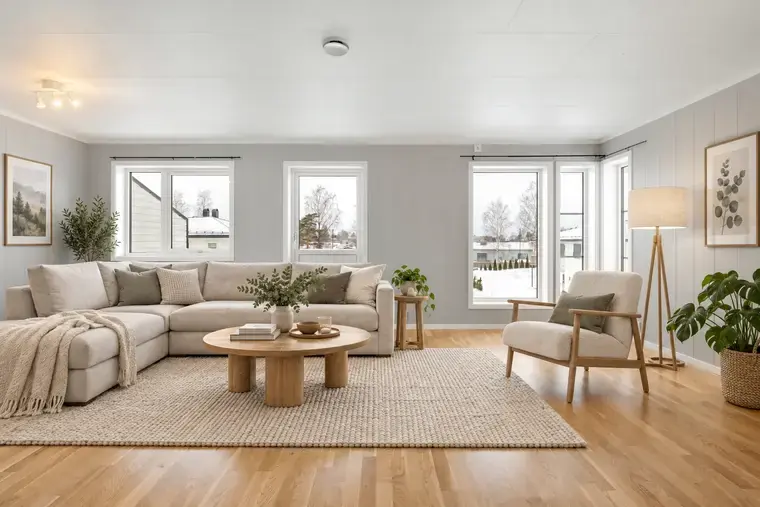 Free virtual staging that keeps the room real
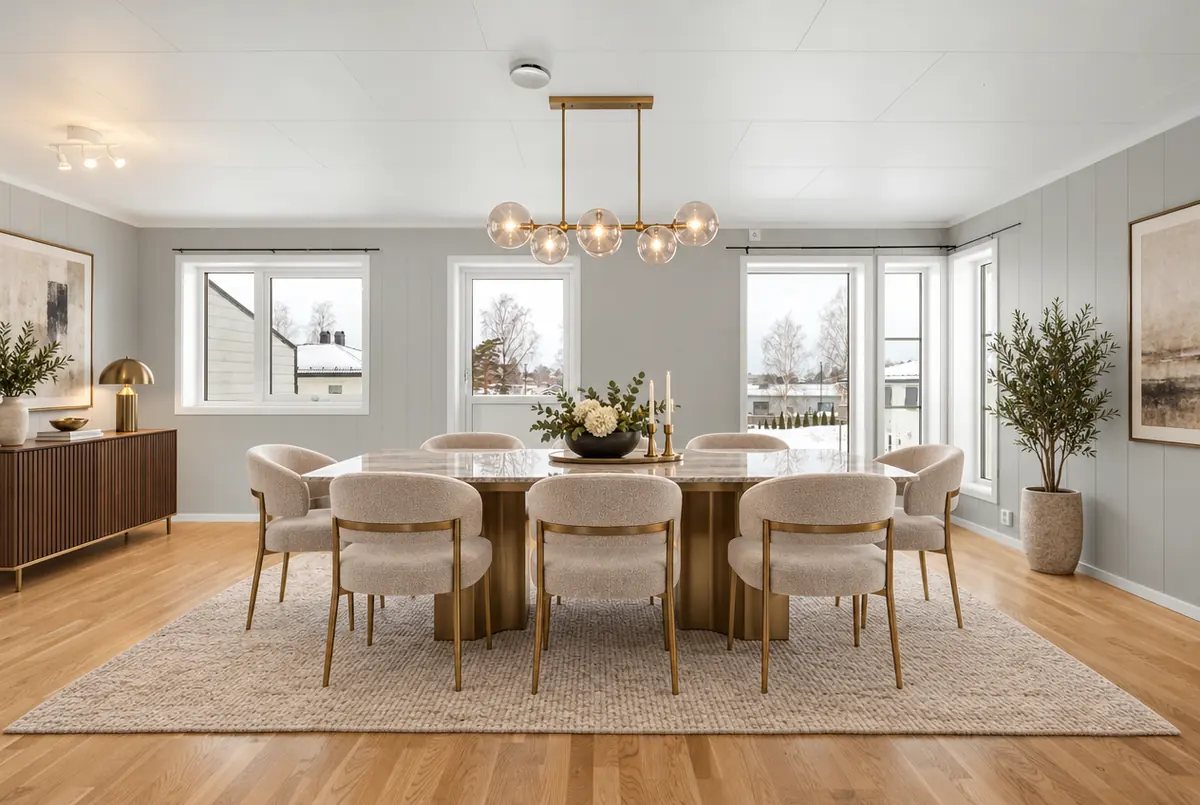 AI virtual staging built for real estate agents
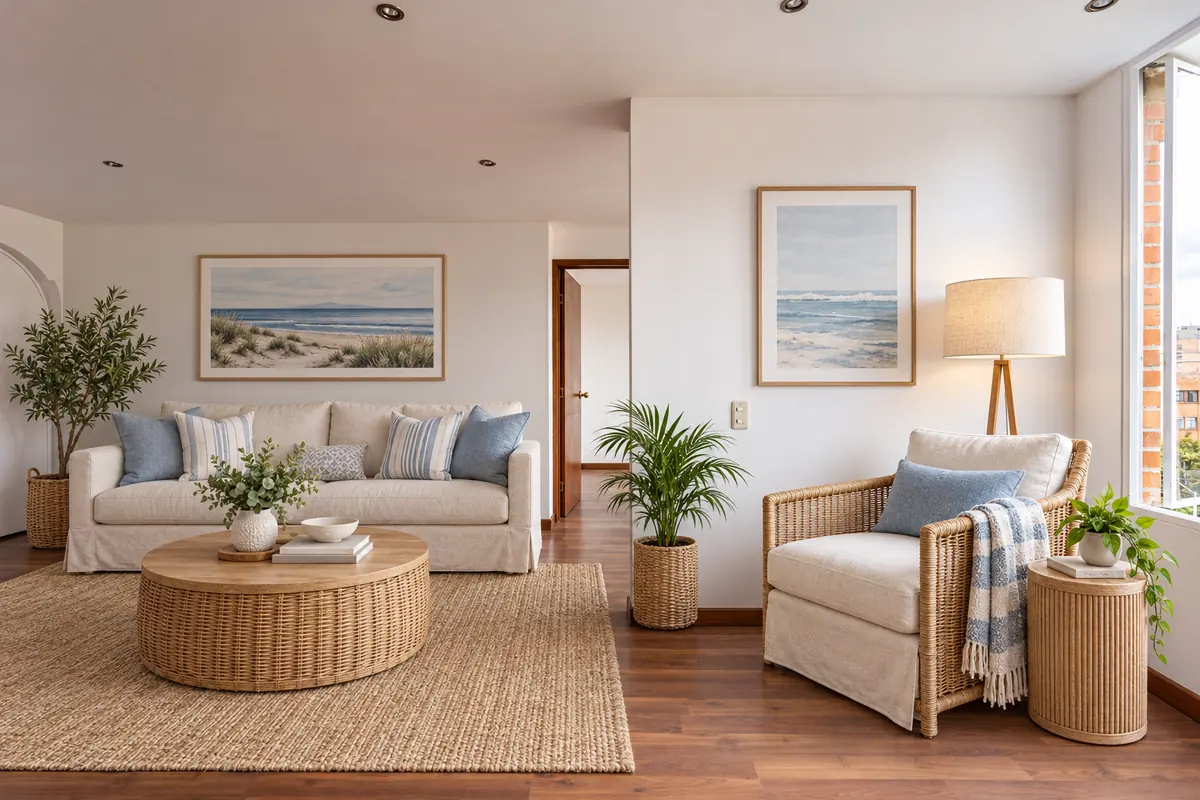 Airbnb listing photos that sell the stay
 Put furniture into an empty room photo with AI
Further reading
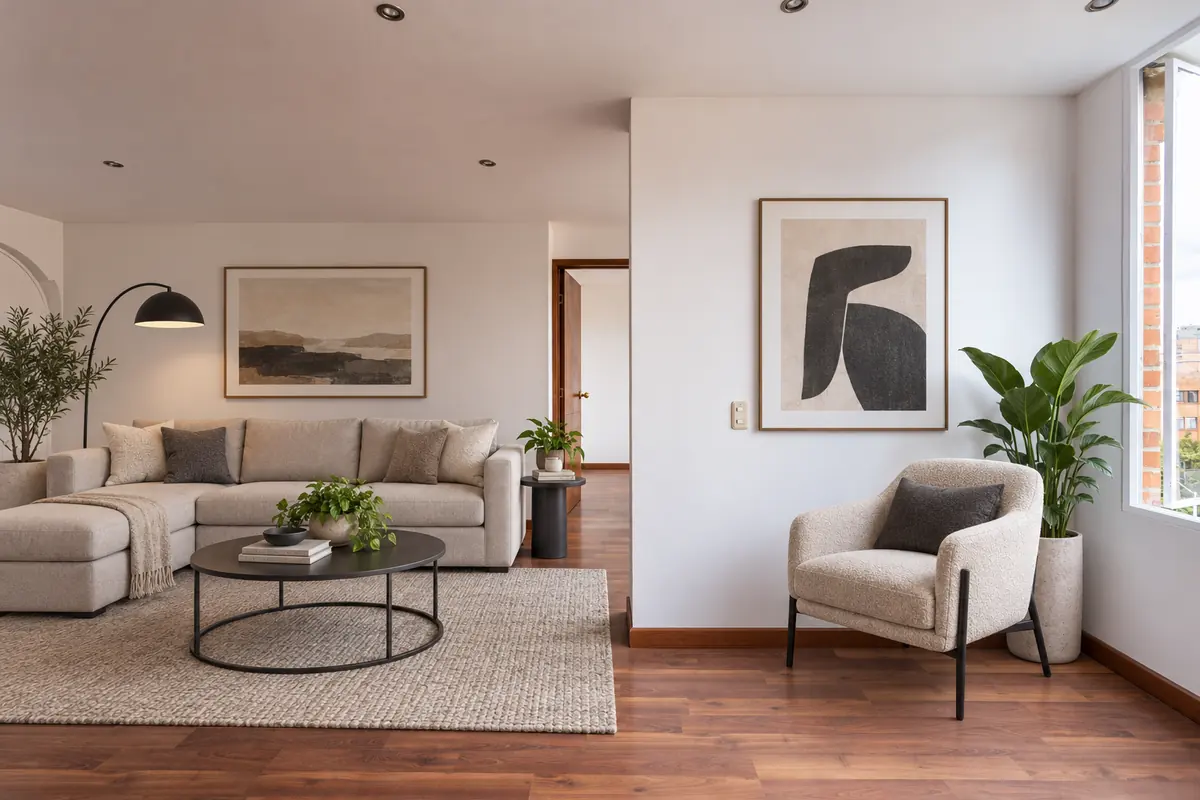 How to virtually stage a listing, step by stepVirtual staging disclosure: how to stay honest and compliantChoosing a virtual staging style that matches the buyer
Ready to see your own photo transformed?
Upload one photo. No sign‑up needed for the free demo.
Try it free in the studio