Amazon main image requirements, explained for sellers
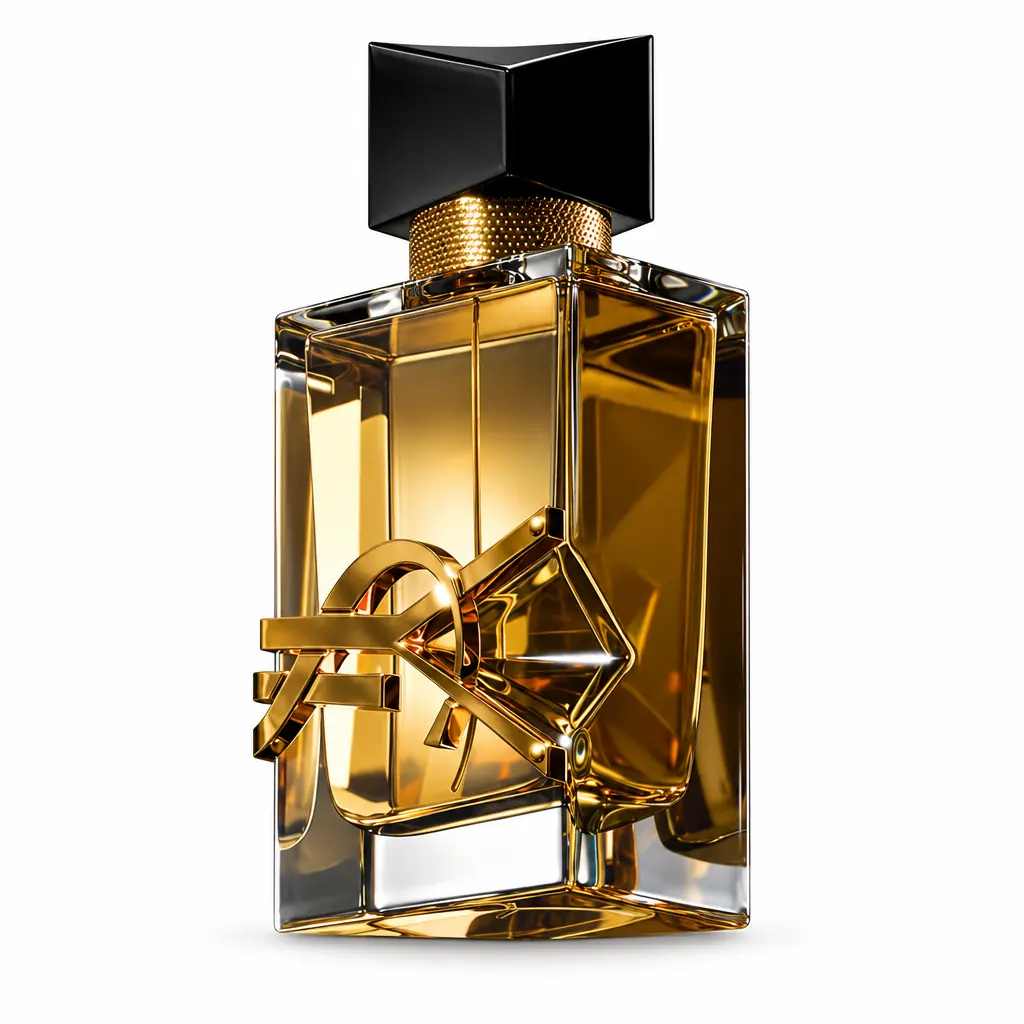
Your main image is the only photo most shoppers see before they decide whether to click. On Amazon it also has to pass strict technical rules — a non‑compliant main image can get a listing suppressed from search. This guide translates the commonly cited requirements into practical decisions, explains how to plan the remaining image slots, and shows where AI can save you a studio shoot. Amazon updates its policies, so always check the current product image requirements in Seller Central for your category and marketplace.
The main image rules in plain language
- Pure white background. The background should be pure white — RGB 255, 255, 255 (#FFFFFF). Off‑white, light gray or a visible gradient can be flagged.
- The product fills most of the frame. The commonly cited guideline is that the product should occupy about 85% of the image area. Tiny products floating in white space look weak and may be flagged.
- Only the product that is sold. No props, accessories that are not included, or extra items. If the box is not part of the product experience, leave it out.
- No added text, logos, badges, borders or watermarks. Branding that is physically printed on the product is fine; overlays are not.
- A real photo of the product. The image must accurately represent what the customer receives. Drawings or illustrations of the product are generally not allowed for the main image.
- Sufficient resolution. Images at least 1000 pixels on the longest side enable zoom, which shoppers use heavily. Larger is better, up to the platform’s maximum.
- Fully in frame. The product should not be cropped by the image edge (with category‑specific exceptions).
Why most DIY main images fail
Sellers usually fail on three points. First, the background is not truly white: a white sheet photographed in normal light comes out light gray, and background‑removal tools often leave soft gray halos. Second, the product is too small, because people shoot from a distance to fit everything in. Third, lighting is uneven, so one side of the product is dark and the colors are inaccurate — which leads to returns when the item arrives looking different.
How to get a compliant main image
Option A: Studio or lightbox
A lightbox with two diffused lights and a white sweep, plus a camera on a tripod, produces consistent results. You will still need to edit the background to pure white and crop to the right fill. It works well if you have many products and time to learn the setup.
Option B: AI re‑photography from a phone snapshot
StageZap’s white background mode takes a reasonable phone photo and re‑renders the product on seamless #FFFFFF with soft, even studio light and a subtle contact shadow, centered and filling about 80–85% of the frame. Unlike a background remover, it does not inherit the uneven light from your original. A product lock keeps shape, colors, logos and label text unchanged — but you must still zoom in and verify small print before uploading, because the image has to match what ships. See an example on our Amazon product photos page.
Checking your image before upload
- Open the image in any editor and sample the background color in several corners: it should read 255/255/255.
- Check that the product occupies roughly 85% of the frame and is not cut off.
- Zoom to 100% and read every word on the label. Compare with the physical product.
- Check colors against the real product under daylight.
- Confirm the long side is at least 1000 px; ideally 2000 px or more. Use the 2K upscale for 2048 px output.
Planning image slots 2–7
The main image wins the click; secondary images win the sale. A proven structure for the remaining slots is:
- Lifestyle in context. The product being used in its natural environment — a perfume on a bathroom shelf, headphones on a desk. StageZap’s Lifestyle mode offers ready scenes; see AI product photography.
- Scale. Show the product next to a hand or a familiar object so shoppers understand size; size confusion is a top reason for returns.
- Key benefits infographic. Three or four short benefit callouts. Text overlays are allowed on secondary images.
- Details and materials. Close‑ups of texture, stitching, ports or ingredients.
- What’s in the box. Everything the buyer receives, laid out clearly.
- Comparison or variants. Sizes, colors or a comparison with your other models.
StageZap’s Poster mode produces a headline‑led creative you can use as a benefits image or in sponsored brand ads; always spell‑check the result.
Consistency across a catalog
If you sell many products, consistent main images make your brand look professional in search results and in your storefront. Use the same framing, shadow style and angle for every SKU. AI re‑photography helps here because the white background and lighting are generated the same way each time, even if your phone photos were taken in different rooms.
Common questions
Can I use a 3D render as the main image?
Policies around renders vary and are tightening; a real photograph is the safest choice. StageZap works from your real product photo and keeps the product unchanged rather than inventing it.
Is a shadow allowed on the main image?
A soft natural shadow under the product is widely used and generally accepted, as long as the background remains pure white elsewhere.
What about other marketplaces?
Walmart, eBay, Etsy and Shopify themes have similar but not identical guidelines. White background images that meet Amazon’s stricter rules usually work everywhere. For Shopify‑specific advice, see product photos with your phone for Shopify.
Variations and parent listings
Every child ASIN — each color or size — needs its own compliant main image showing that exact variant. Shoppers switching between colors expect the image to change; showing a black product when they selected red creates returns. Shoot each variant with the identical setup and run each through the same white‑background process so the swatches feel like one family. If the variants differ only in color, double‑check that the AI output preserves the exact shade by comparing with the real item side by side under daylight.
Measuring impact
After changing a main image, watch click‑through rate in your Business Reports or brand analytics for two to four weeks. Change one variable at a time — angle, fill or shadow — so you know what moved the number. Amazon’s Manage Your Experiments tool, where available, lets brand‑registered sellers A/B test main images directly.
Summary
A compliant main image is pure white, tightly framed, honest and high‑resolution. Get those four things right, then use your secondary slots to tell the story. You can test it on your own product with the Amazon product photo preset in the studio.
Ready to see your own photo transformed?
Upload one photo. No sign‑up needed for the free demo.
Try it free in the studio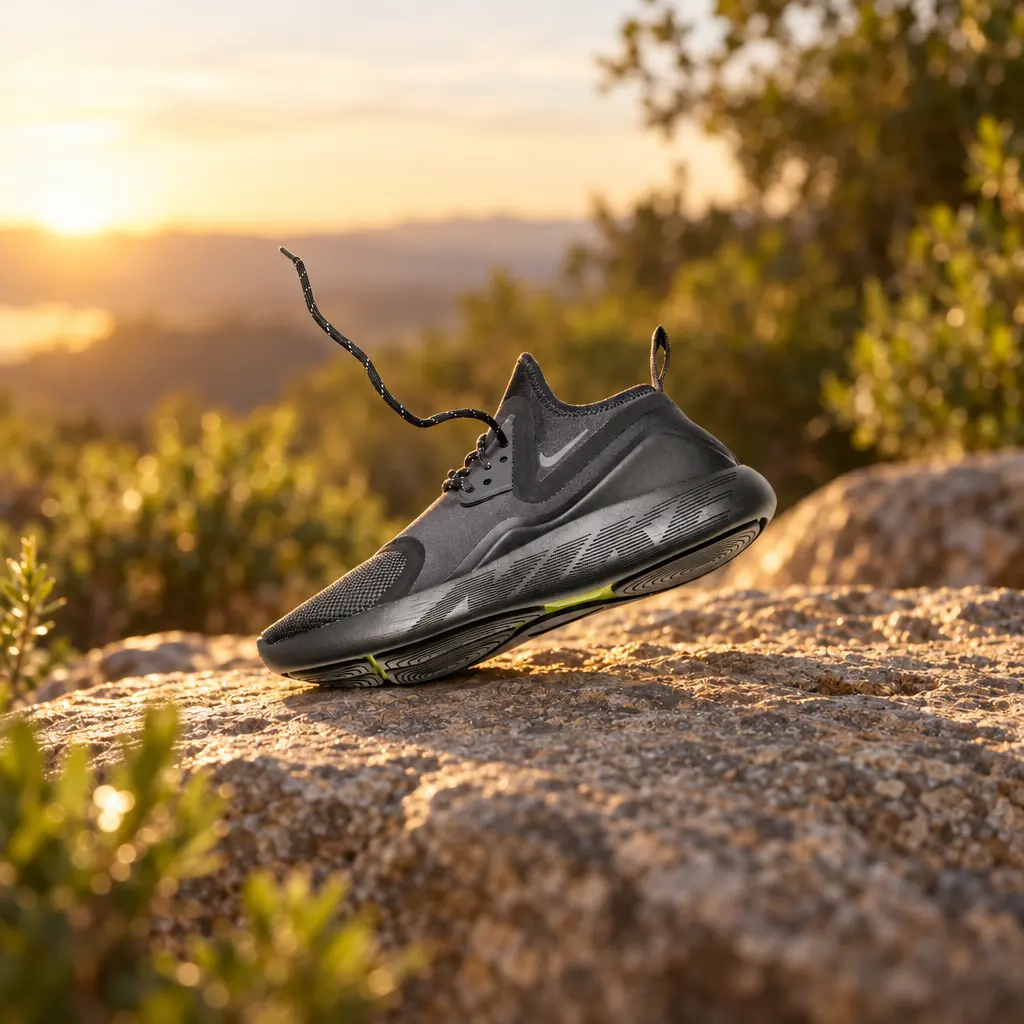 Shooting Shopify product photos with your phone