StageZap › Comparisons
StageZap vs Virtual Staging AI
Virtual Staging AI and StageZap both furnish empty room photos with AI for real estate. If you are choosing between them, the honest answer is: run your own photos through both. This page explains the differences we can verify and gives you a fair test plan.
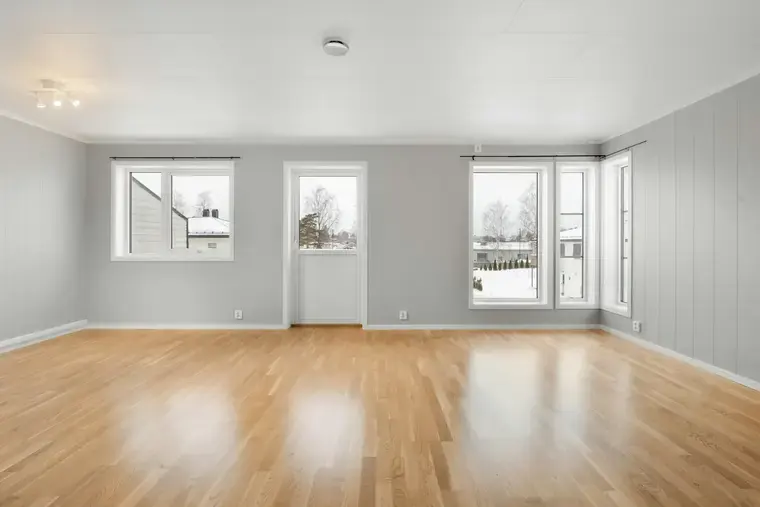
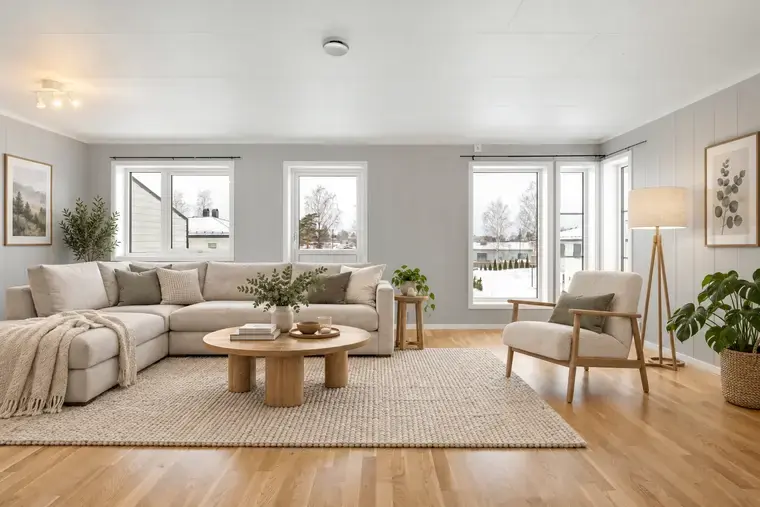
Real StageZap output. Walls, windows, floor and light are unchanged — only furniture and decor were added.
About this comparison
We make StageZap, so we are not neutral. This page sticks to what we can verify: our own features, and Virtual Staging AI’s general positioning as described on its public website at the time of writing. We do not quote their prices or limits because they change — please check www.virtualstagingai.app for current details.
What StageZap offers
- Free demo without sign-up (15 images per 10 minutes).
- 8 staging styles; structure lock keeps walls, windows and floors as photographed.
- Same account also does product photos (white background, lifestyle, poster), passport/visa photos and AI upscaling.
- Interface in 11 languages.
- Current plans and prices: StageZap pricing.
What Virtual Staging AI focuses on
Virtual Staging AI presents itself as a dedicated AI staging tool for real estate professionals: upload a room, choose a room type and style, and receive staged images, with additional editing options described on its site. Because it is focused on real estate, check its site for its current style list, editing features, integrations and plans.
Which should you choose?
- Choose StageZap if you want to try without signing up, need product or ID photos from the same account, or work in a language other than English.
- Consider Virtual Staging AI if a specific feature on its site (for example a particular editing tool or workflow) is important to you.
- Either way, test with your own photos before paying.
How to test both fairly
- Pick three of your real listing photos: an empty living room, a bedroom and a tricky room (dark, small or odd-shaped).
- Run the same photos through each tool, with the closest matching style.
- Zoom to 100% and check: are windows, doors and floors unchanged? Do furniture legs touch the floor? Do shadows match the light?
- Compare price per usable image at your monthly volume, using each vendor’s current pricing page.
Frequently asked questions
Is StageZap cheaper than Virtual Staging AI?
It depends on your volume and their current plans. Compare our pricing page with theirs at the number of photos you actually stage per month.
Can I try both for free?
StageZap has a free demo without sign-up. Check Virtual Staging AI’s site for its current trial terms.
Which gives more realistic results?
Results depend heavily on the input photo. Run the same three photos through both and judge at full size.
Related
Further reading
Virtual staging vs traditional staging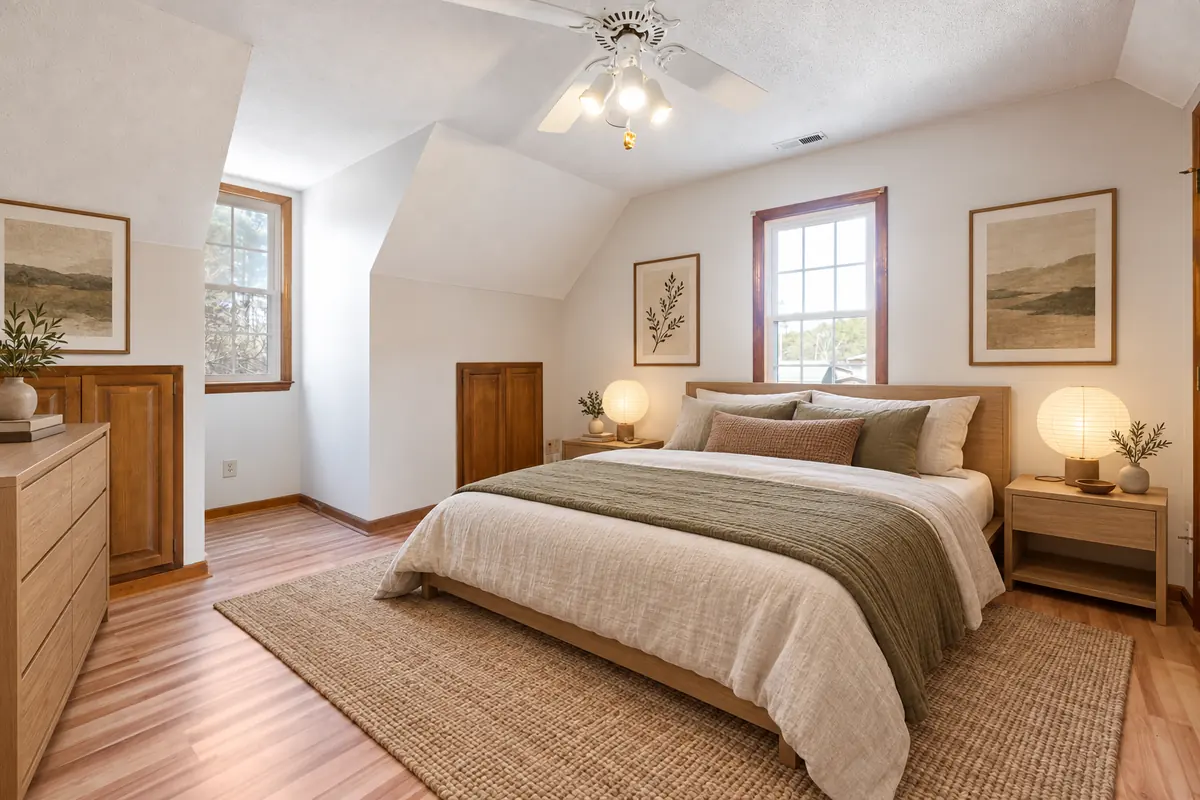 How to virtually stage small rooms
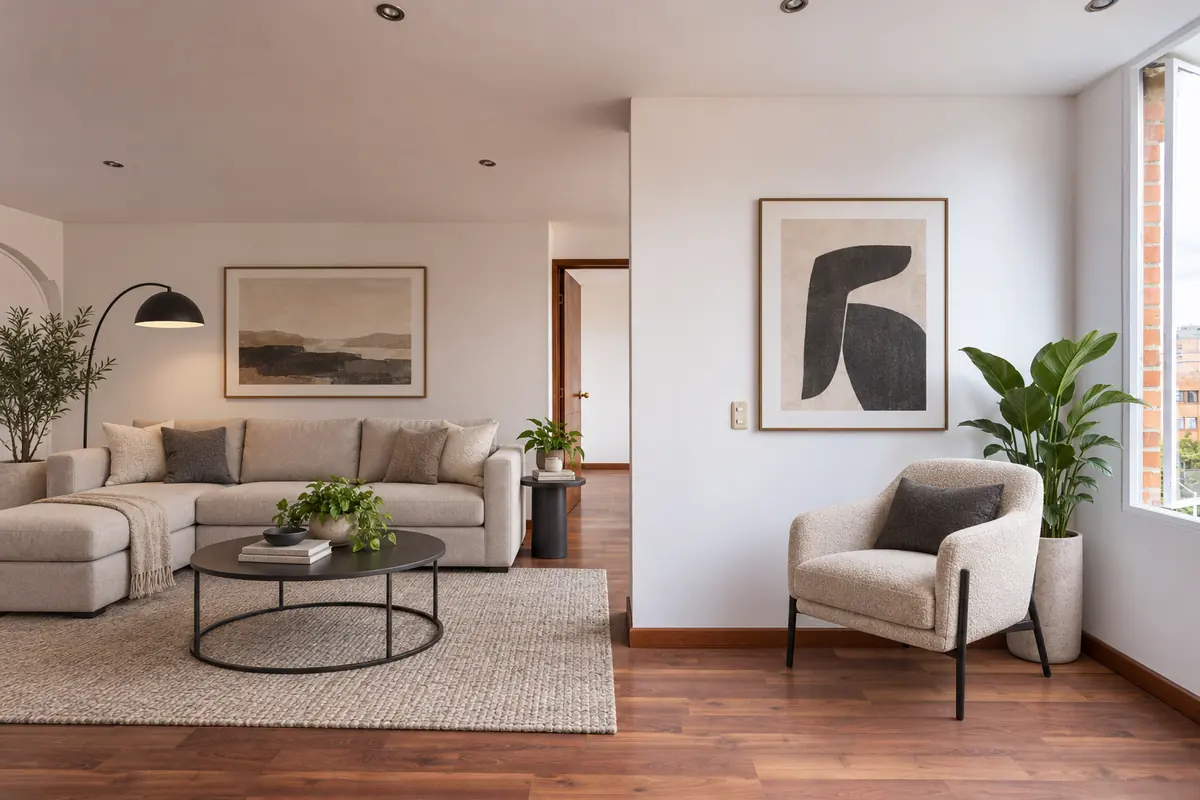 How to virtually stage a listing, step by step
Ready to see your own photo transformed?
Upload one photo. No sign‑up needed for the free demo.
Try StageZap free