AI room staging: see your room in a new style
Room staging is not only for empty listings. Homeowners use it to preview a refresh before buying furniture, landlords use it to pitch a rental, and designers use it as a fast first sketch for clients. Upload one photo, choose a room type and style, and StageZap re-imagines the furnishings while the architecture stays exactly as it is.
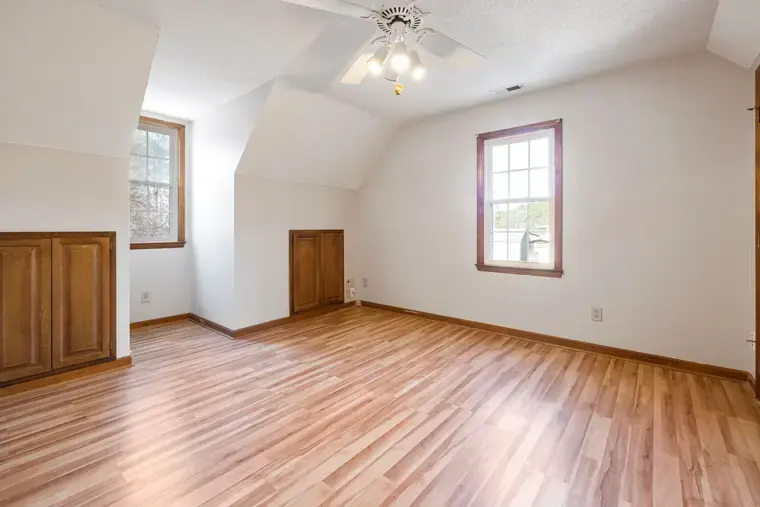
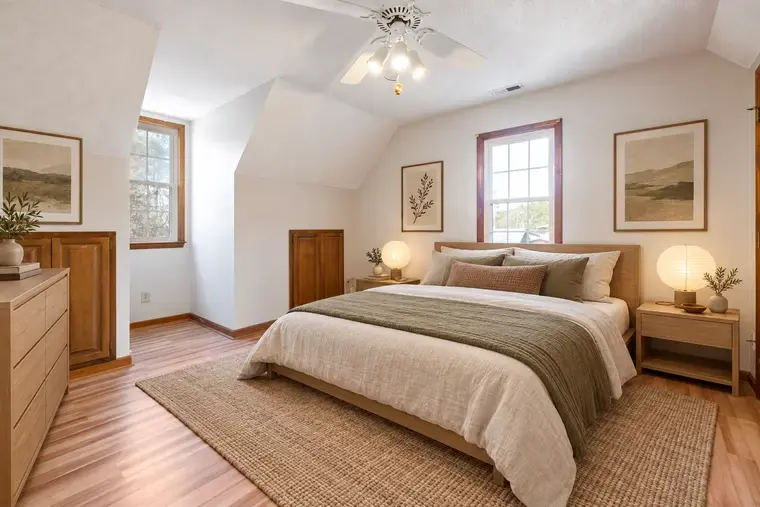
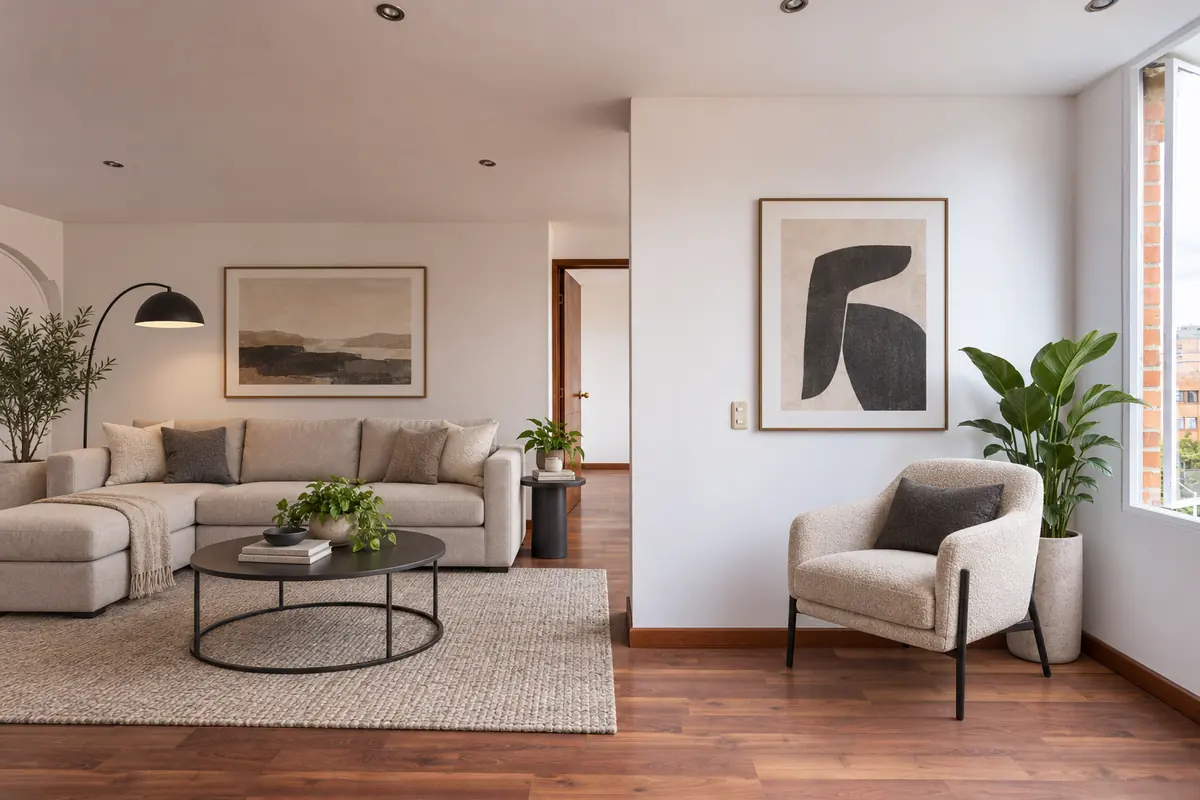
Real StageZap output. Walls, windows, floor and light are unchanged — only furniture and decor were added.
Three common uses
Plan a refresh
Compare Scandinavian and Japandi in your actual living room before spending on a sofa.
Pitch a rental
Show prospective tenants or investors what a dated unit could feel like after a furniture update.
Brief a designer
Bring two or three AI mock-ups to the first meeting so you agree on a direction faster.
Empty vs. furnished photos
AI staging is most reliable on empty or lightly furnished rooms. With heavy existing furniture the model has to decide what to keep, and results vary more. For best results, clear the floor where possible, or photograph from an angle where existing pieces are at the edge of the frame. For vacant rooms see add furniture to an empty room.
Tips for a believable result
- Shoot in daylight with lights on; mixed light is fine, darkness is not.
- Keep the camera level so verticals stay vertical.
- Add one concrete wish (“rattan pendant”, “olive green sofa”) rather than a long list.
- Try two styles and compare side by side — the right one is usually obvious.
Which room types are supported
Living room, bedroom, kitchen, dining room, home office and more. Room-specific guides: living room, bedroom, kitchen.
Frequently asked questions
Will it remove my existing furniture?
It may replace or restyle some pieces, but removal is not guaranteed. Empty rooms give the most predictable output.
Can I use the images commercially?
Paid plans include a commercial license; see pricing for details.
Does it change paint or flooring?
No — the structure lock keeps walls, floors and fixtures as photographed. It is a furniture and decor tool, not a renovation simulator.
Related
- Virtual staging AI, explained by the people who build it
- Industrial virtual staging for lofts and urban condos
- Japandi virtual staging: calm rooms that photograph big
- Farmhouse virtual staging for family homes
- StageZap vs Virtual Staging AI
Further reading
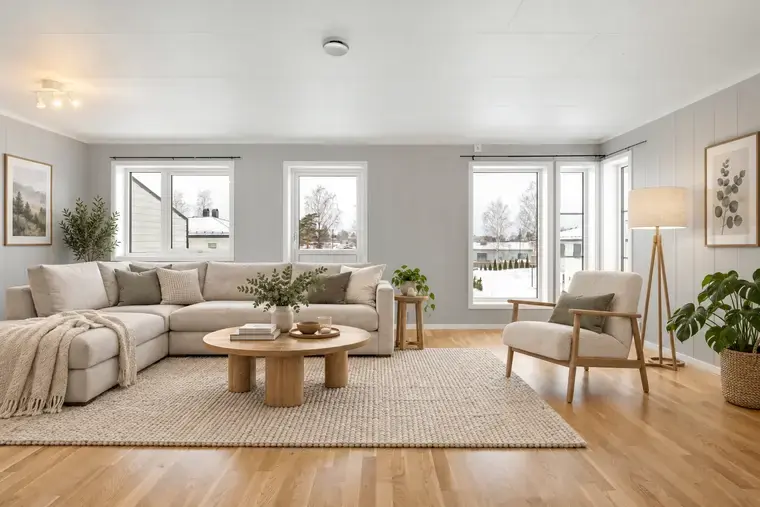 Virtual staging vs traditional staging
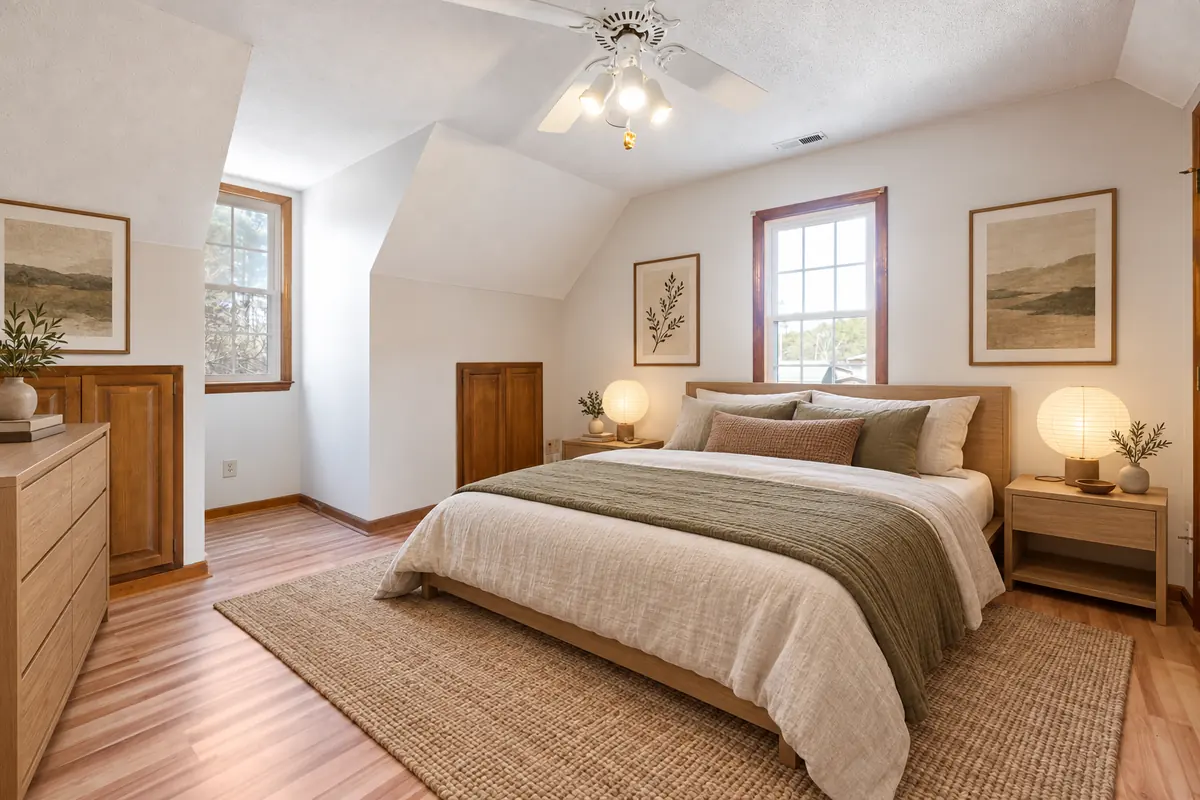 How to virtually stage small rooms
 How to virtually stage a listing, step by step
Ready to see your own photo transformed?
Upload one photo. No sign‑up needed for the free demo.
Try it free in the studio